Programmable and Autonav Nav Pages (continued)
One of the optional fields which may be programmed into the
customizable Navigation Info pages is the Empty field. This is an eight
character field, and is denoted by six flashing underscore characters
(“______”) when the cursor is on the field. Moving the cursor off of the
Empty field causes the underscores to disappear, leaving the eight
characters blank. By programming a Navigation Info page to be
completely blank, the page will not appear in the Navigation Info
pages of NAV mode, nor will the page appear in the Autonav
sequence.
You now have maximum control over the Navigation Info pages for
satisfying your individual requirements. You now have the capability
of customizing the Navigation Info pages to:
·
display only desired fields (see pages 70 through 76)
·
remove pages
· customize which pages are displayed in the Autonav sequence
189
Operations Navigation Information Sub-State
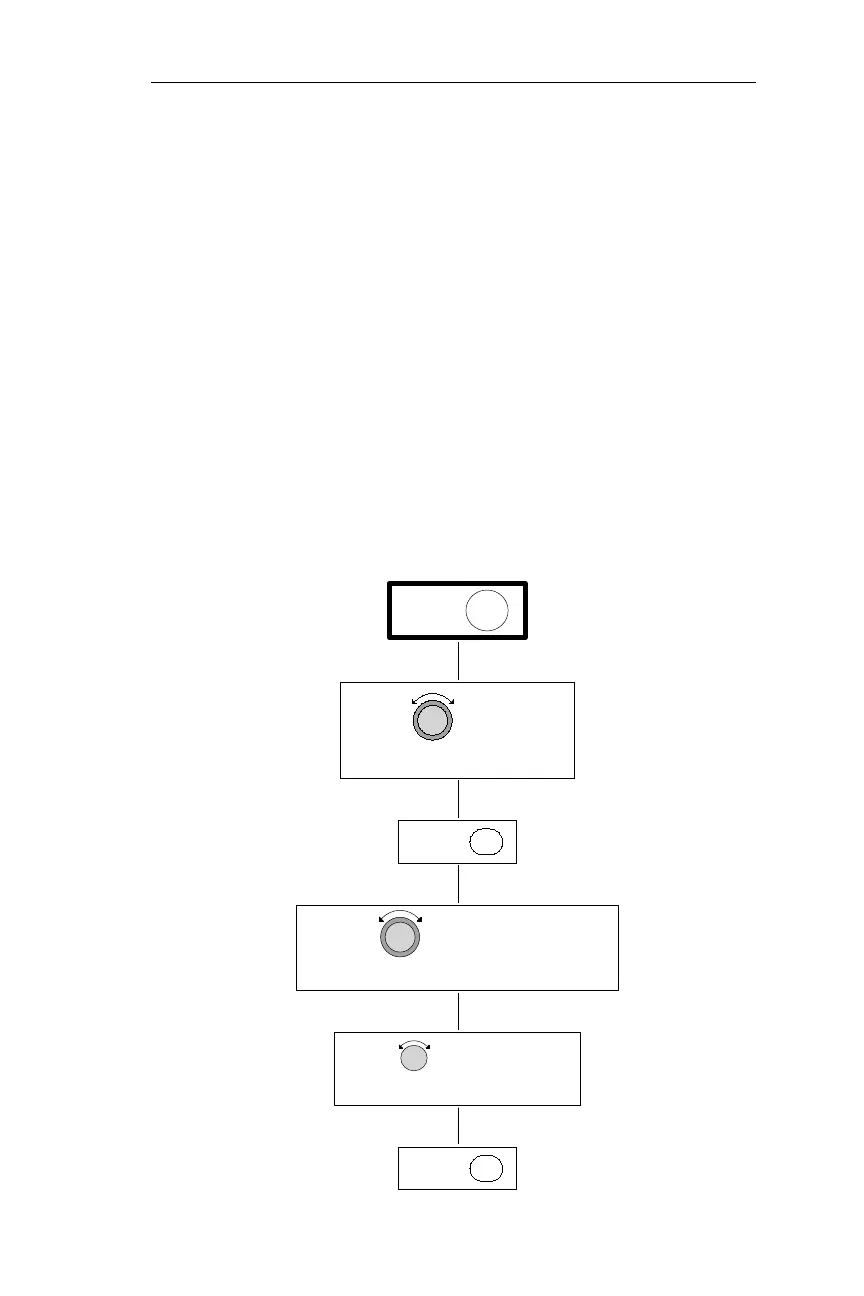
THE NAVIGATION INFO PAGE
TURN TO DISPLAY
ENTPRESS
ENTPRESS
PRESS SYS
MODE DISPLAY PROGRAMMING PAGE
TURN TO DISPLAY THE NAV
RESTORE DEFAULT PAGE
TURN TO DISPLAY THE



 To Next Page