Activating/Deactivating/Editing Parallel Course Offset
(continued)
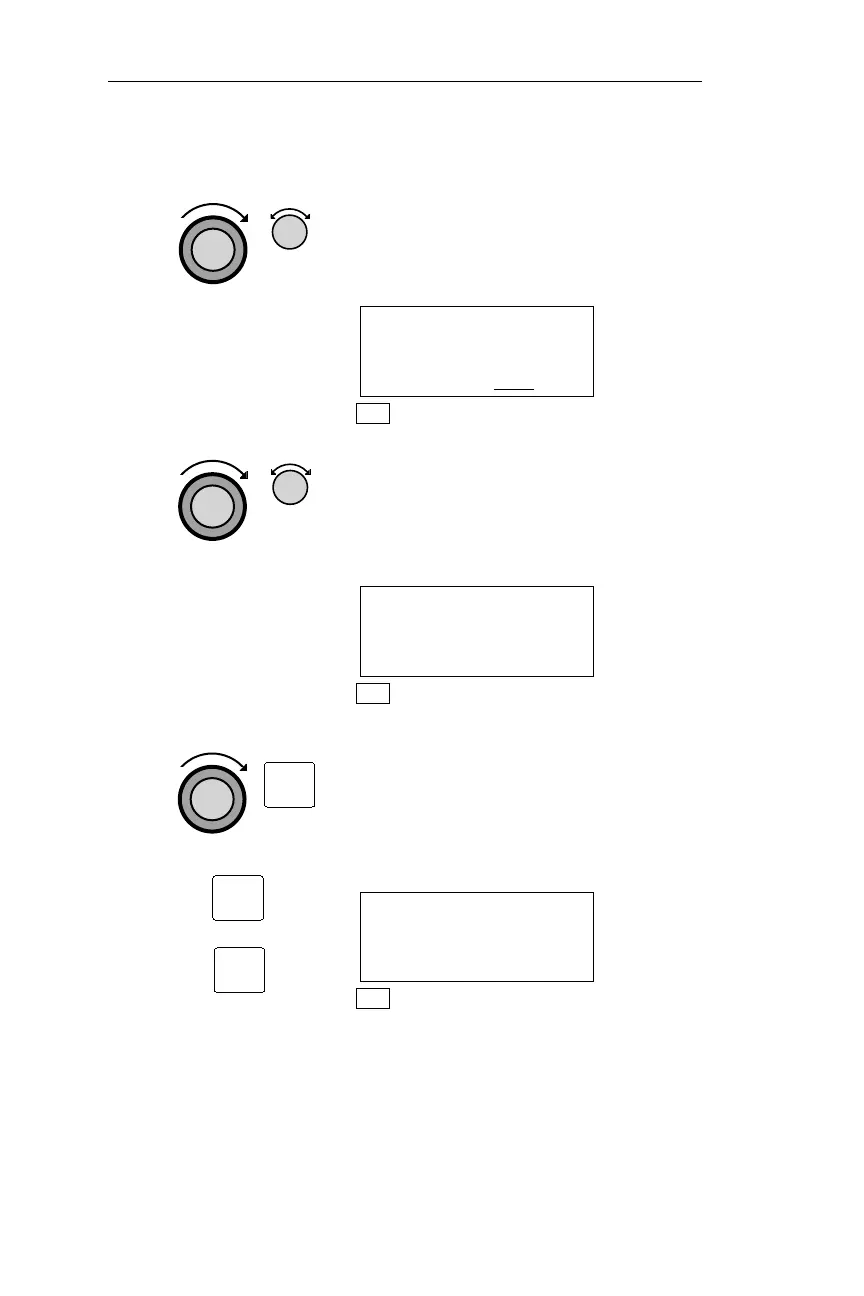
3. If necessary, turn the Large knob to
make the direction setting flash, and
turn the Small knob to change the
direction.
PARALLEL COURSE
OFFSET: STANDBY
RIGHT 2.2
NM
NAV
4. Turn the Large knob to make the offset
value flash. Turn the Small knob to
choose the amount of the offset. The
offset is chosen in tenths of a mile, up
to a maximum of 20.0 nm.
PARALLEL COURSE
OFFSET: STANDBY
RIGHT 2.2NM
NAV
5. Turn the Large knob to make the status
flash, and press ENT to enter the status.
Anytime you want to change the status
without adjusting the direction or
amount of the offset, simply press SEL
then ENT.
PARALLEL COURSE
OFFSET: IN USE
RIGHT 2.2NM
NAV
100
NAV Mode Procedures Operations
ENT
ENT
SEL



 To Next Page