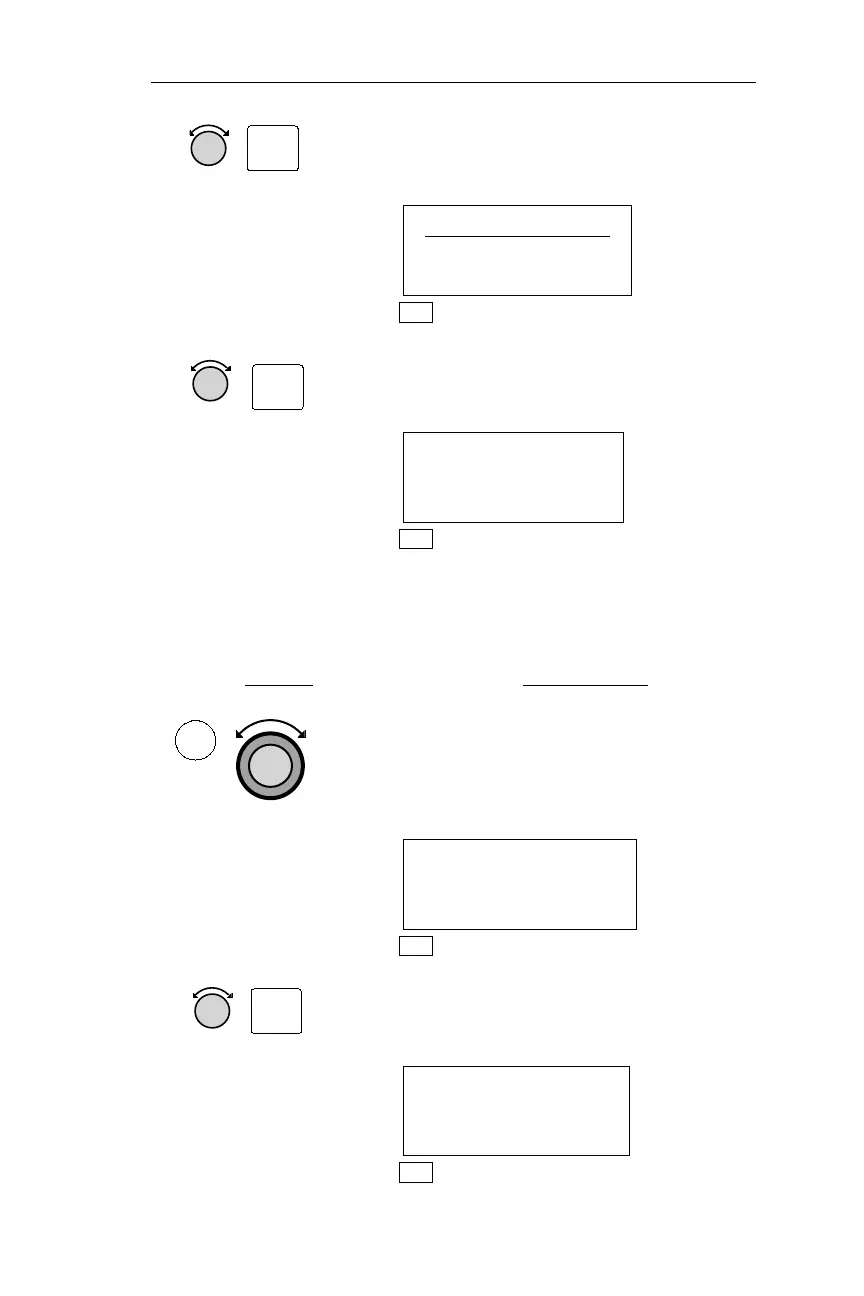
2.
Turn the Small knob to display the
Automatic/Manual page, and press SEL
to activate editing.
AUTOMATIC (A)
POSITION SENSOR
SELECTION
NAV
3.
Turn the Small knob to change the
optionandpressENTto save thechange.
MANUAL (M)
POSITION SENSOR
SELECTION
NAV
While Automatic Position Sensor Selection can be started or canceled
using the method described above, it can also be canceled by manually
selecting a different position sensor, as follows:
Action Explanation
1.
In NAV mode, turn the Large knob to
display the In Use Position Sensor page.
The (A) on the top right of the display
indicates that Automatic Position Sensor
Selection is in use.
LORAN1 IN USE(A)
44°55.30N EPE
123°00.08W 0.0
NAV
2.
Turn the Small knob to display the
Position Sensor that you wish to select.
Press SEL to activate editing.
GPS USE?
44°55.31N
123°00.18W
NAV
83
Operations Nav Mode Procedures
SEL
ENT
NAV
SEL



 To Next Page