Entering and Editing Owner Information (continued)
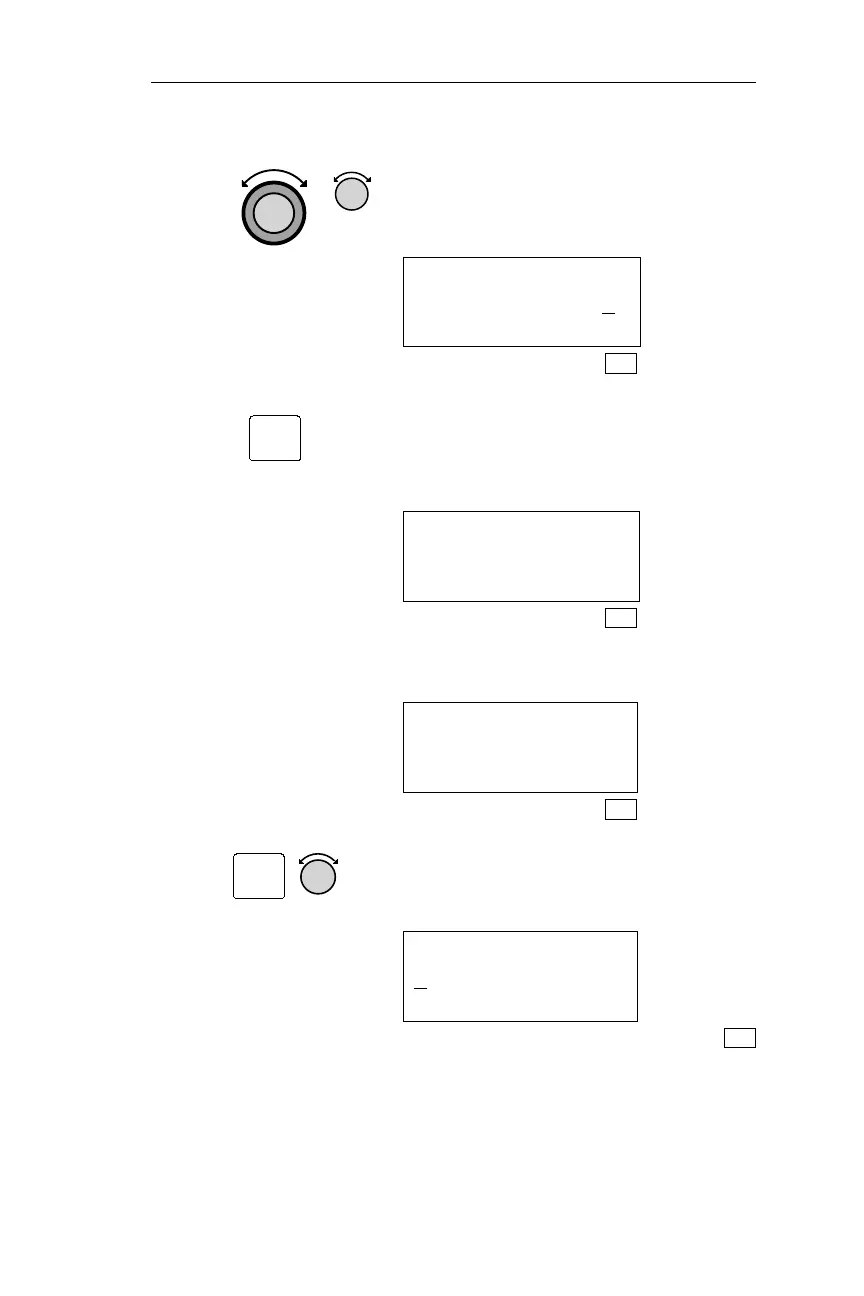
6. Use Large and Small knobs to confirm
(re-enter) your password, as shown the
step 4.
VERIFY OWNER
PASSWORD _____N
SYS
7. Pressing ENT saves the password. If a
mistake is made, the NMC “asks” you
to try again. The following display
appears for approximately 3 seconds.
PASSWORD MATCHED
EDITING ENABLED
SYS
After 3 seconds, the display below
appears.
OWNER NAME:
SEL TO EDIT ·
SYS
8. Pressing SEL enables editing. Turn the
Small knob to display the first
character in the owner name.
OWNER NAME:
A
SYS
211
Operations System Information Sub-State
ENT
SEL



 To Next Page