Entering and Editing Owner Information (continued)
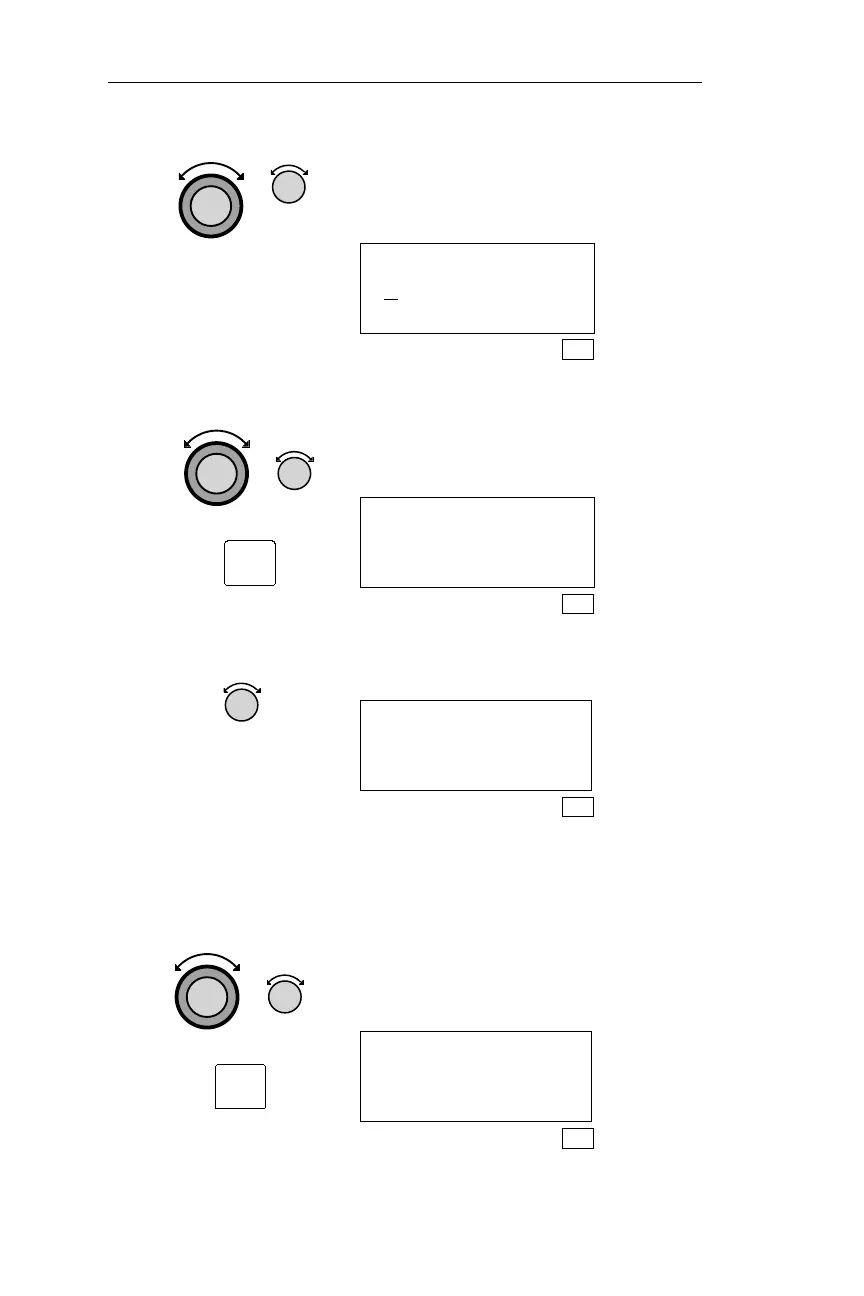
9.
Turn the Large knob to make the next
character space flash. Turn the Small
knob to display the desired characters.
OWNER NAME:
AM
SYS
10. Repeat step 9. Use the Large and Small knobs to
display the remaining characters in the
owner name. Press ENT to save the
name.
OWNER NAME:
AMELIA JEAN
EARHART
SYS
11. Turn the Small knob to display the next
Owner Information page.
OWNER ADDRESS:
SEL TO EDIT
SYS
12. Repeat steps 8
through 11.
Use the Large and Small knobs and the
ENT button to edit the remaining
Owner Info pages. Once the password
has been verified, Owner Info displays
may be edited without entering the
password until the NMC is powered
off.
AIRCRAFT:
N1234J
SYS
212
System Information Sub-State Operations
ENT
ENT



 To Next Page