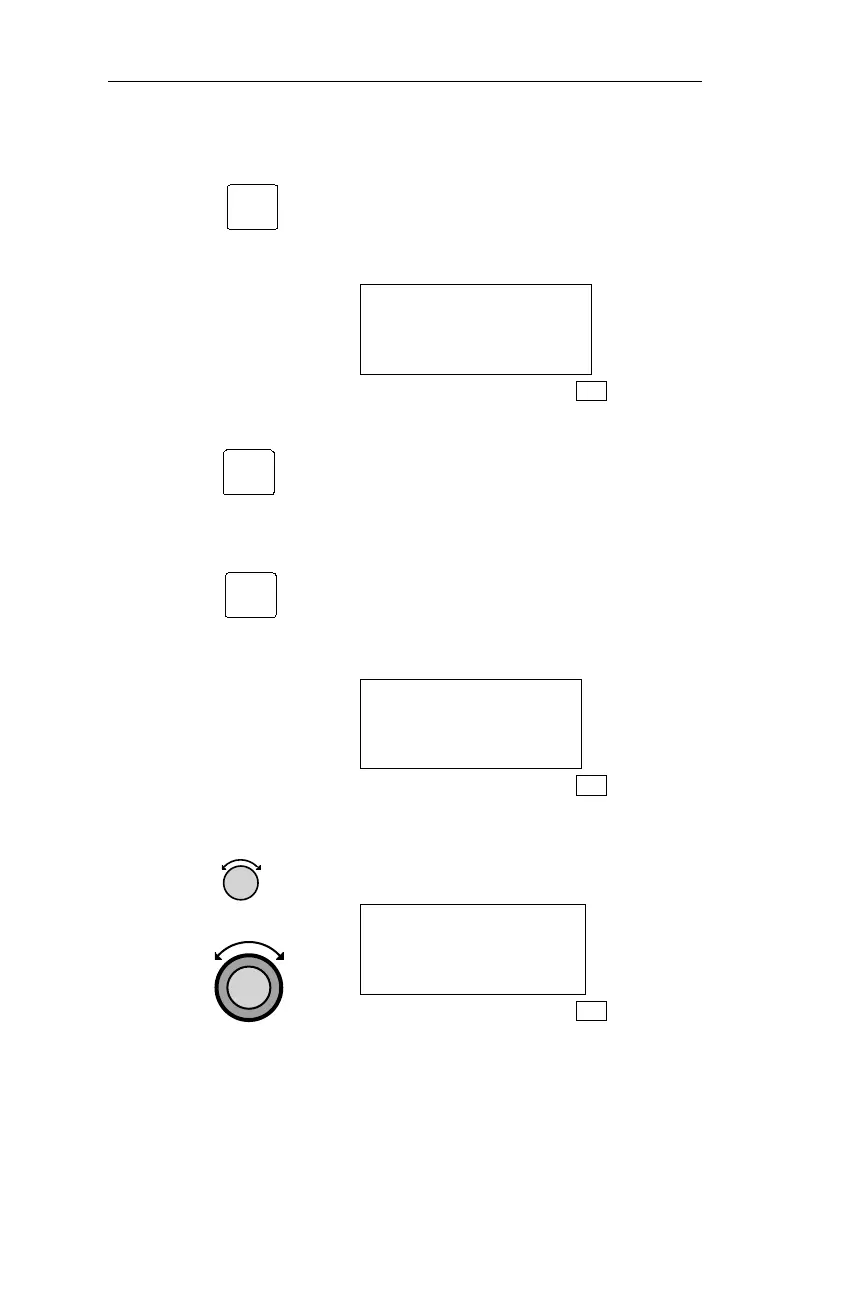
If the Flight Plan Comment has not
been entered for the flight plan, the
following page is displayed to prompt
you to press SEL to begin entering a
Flight Plan comment.
NO PLAN COMMENT
PRESS SEL
FPL
3.
Press SEL to edit the Flight Plan
Comment.
The first time the comment is edited, the
screen will be cleared, as shown below,
andthe cursorwill beflashing onthe first
character of the screen. Each time
afterwards, pressing SEL will allow you
to edit the previously entered Flight Plan
Comment.
_
FPL
4.
Rotate the Small and Large knobs to
input characters and move the flashing
cursor.
USE PARALLEL
COURSE OFFSET ON
LEG 3
FPL
152
Flight Plan (FPL) Mode Operations
SEL
SEL
SEL



 To Next Page