Searching Around a Waypoint (continued)
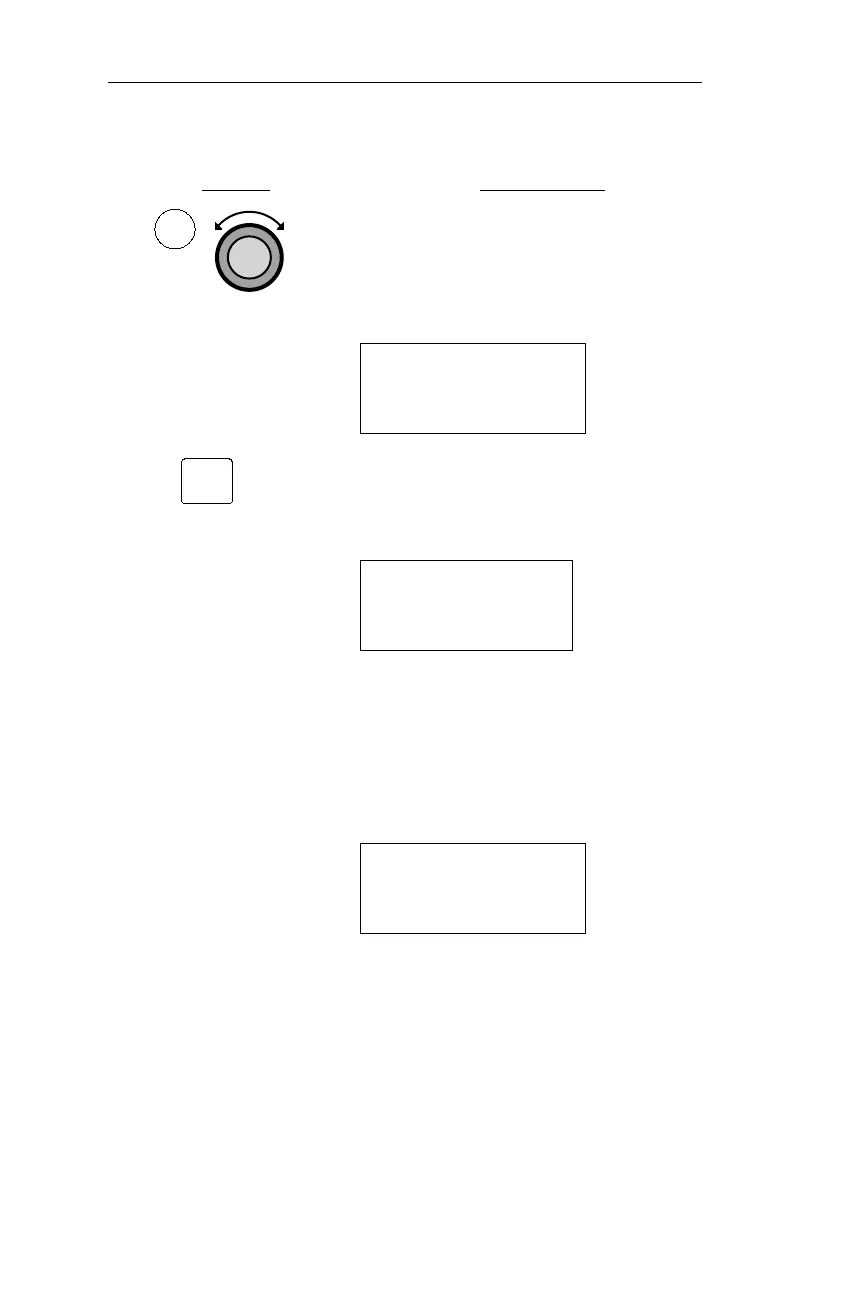
Action Explanation
1. Press EMG and then turn the Large
knob to display the “Choose Waypoint
To Search Around” page.
CHOOSE WPT TO
SEARCH AROUND
PRESS ENT
2. Pressing ENT activates the Waypoint
Retriever, and the first character in the
waypoint identifier flashes.
VOR CVO
CORVALLIS
FACIL OR USA
3. Display the desired
waypoint.
Use the Waypoint Retriever to display
the desired waypoint. The Waypoint
Retriever is described in Operations,
Retrieving a Waypoint.
AIRPORT WA61
SPANAWAY
CITY WA USA
34
Emergency Mode Procedures Operations
EMG
ENT



 To Next Page