1.
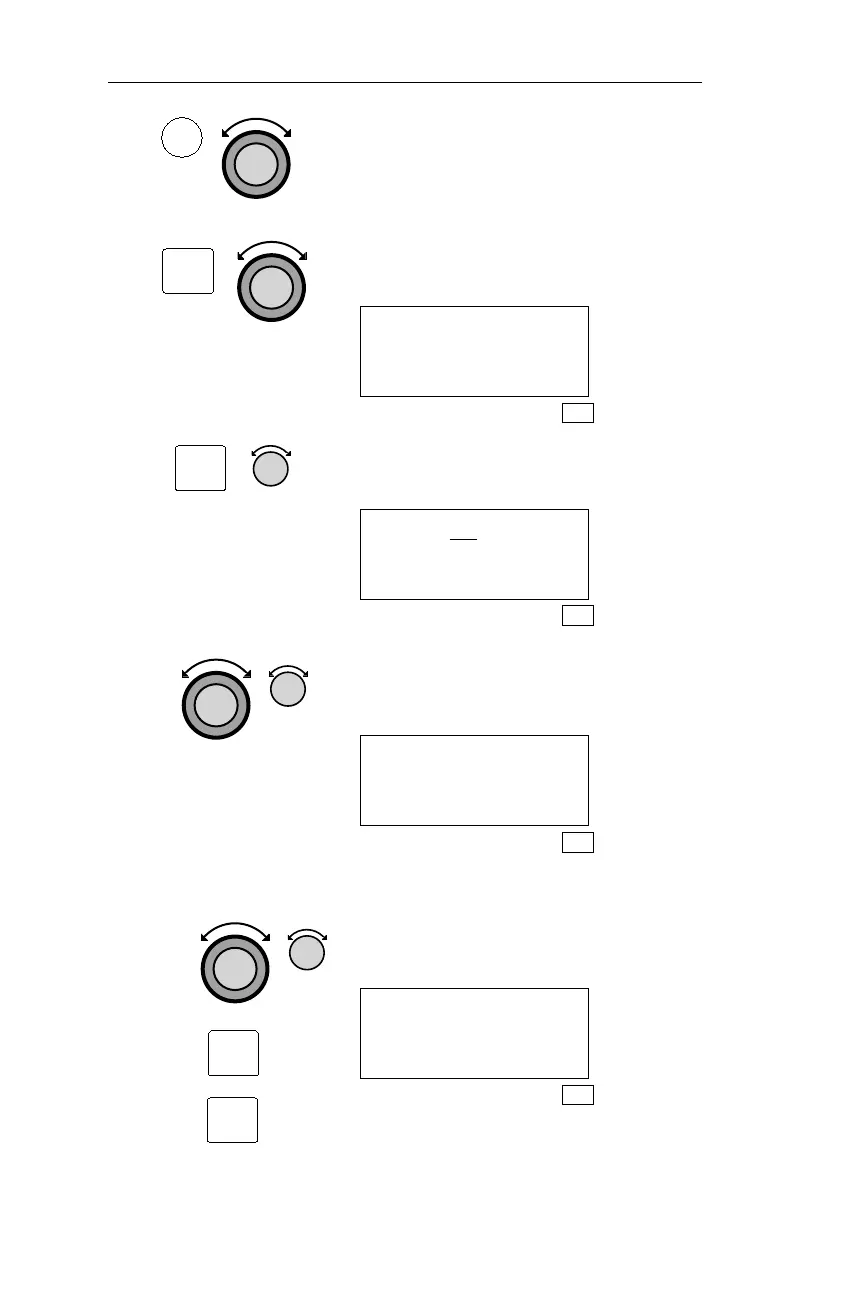
In SYS mode, turn the Large knob to
display the System Info page.
2
Pressing ENT activates the System Info
sub-statefunctions.Turn theLargeknob
to display the Time/Date page.
DATE: 01 APR 99
TIME: 13:16 UTC
SEL TO RESET
SYS
3.
Pressing SEL activates editing. Turn the
Small knob to display the desired date.
DATE: 21 APR 99
TIME: 13:16 UTC
SYS
4.
Turn the Large knob to make the next
item you want to change flash. Turn the
Small knob to display the desired item.
DATE: 21 FEB 99
TIME: 13:16 UTC
SYS
5. Repeat step 4.
Usethe Largeand Smallknob toedit the
items. Pressing ENT saves the changes.
Pressing SEL exits editing without
saving any changes.
DATE: 21 FEB 99
TIME: 14:18 UTC
SEL TO RESET
SYS
204
System Information Sub-State Operations
SYS
ENT
SEL
ENT
SEL



 To Next Page