Inserting and Editing a From/To/Next Waypoint (cont’d)
Action Explanation
1.
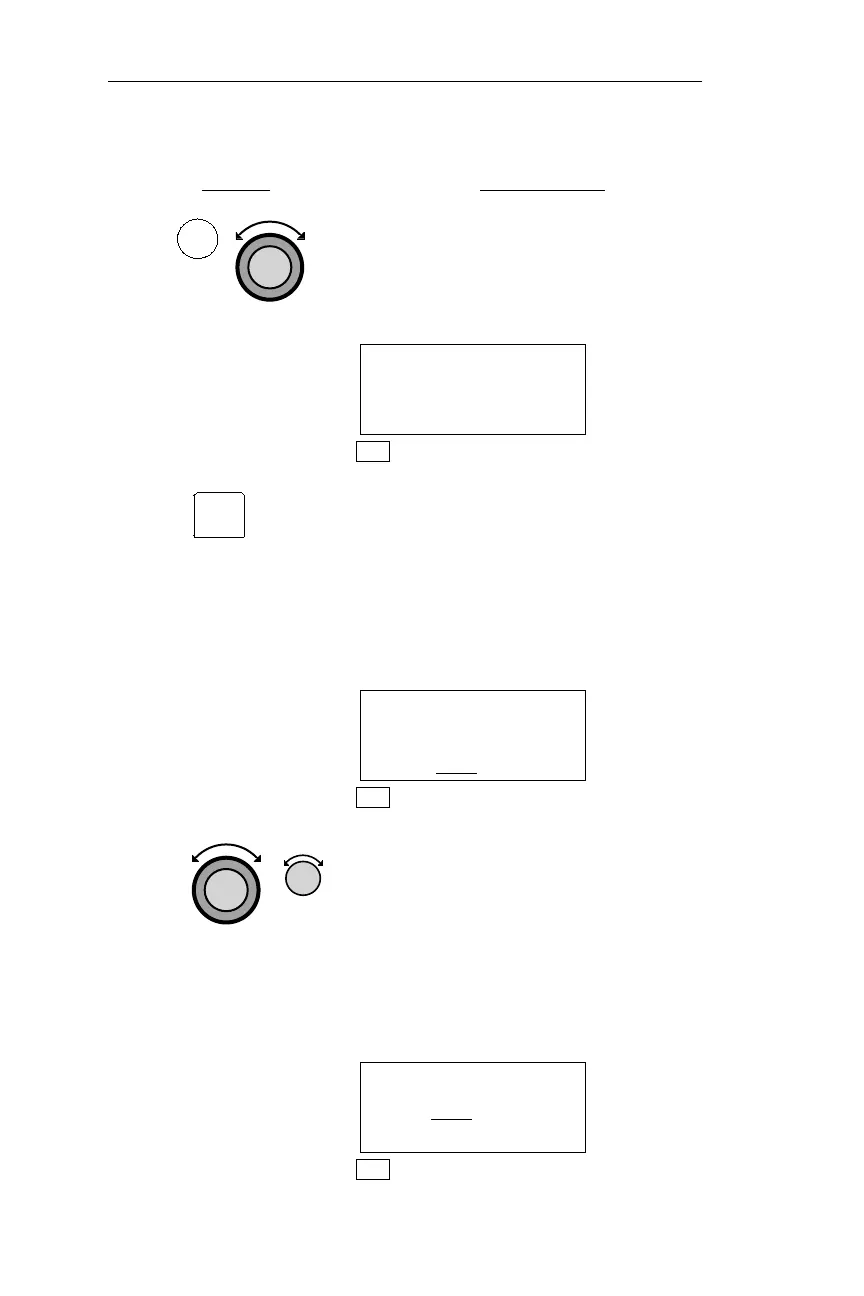
In NAV mode, turn the Large knob to
display the From/To/Next page. The
current From, To, and Next identifiers
are displayed. Blank lines appear in
spaces where there are no waypoints.
FROM EUG ARPT
TO CVO VOR
NEXT SLE ARPT
NAV
2.
Press SEL to activate editing. “CHG?”
(Change) appears in place of the Next
waypoint. If no Next waypoint is
displayed, “INS?” (Insert) appears
instead. “CHG?” is used to replace the
waypoint, and “INS?” is used to add a
waypoint. “DEL?” (Delete) will remove
the waypoint.
FROM EUG ARPT
TO CVO VOR
NEXT CHG
? ARPT
NAV
3.
Turn the Large knob to choose the
waypoint to change, or the location where
a new waypoint is to be inserted. To insert
a waypoint, turn the Small knob to display
“INS?”“HOLD” may bechosen toreplace
“TO”. “HOLD” is used to place the Active
flight plan on hold, and prevent waypoint
sequencing. You may also press the
OBS/HLD button when installed.
FROM EUG ARPT
TO INS
? VOR
NEXT SLE ARPT
NAV
104
NAV Mode Procedures Operations
NAV
SEL



 To Next Page