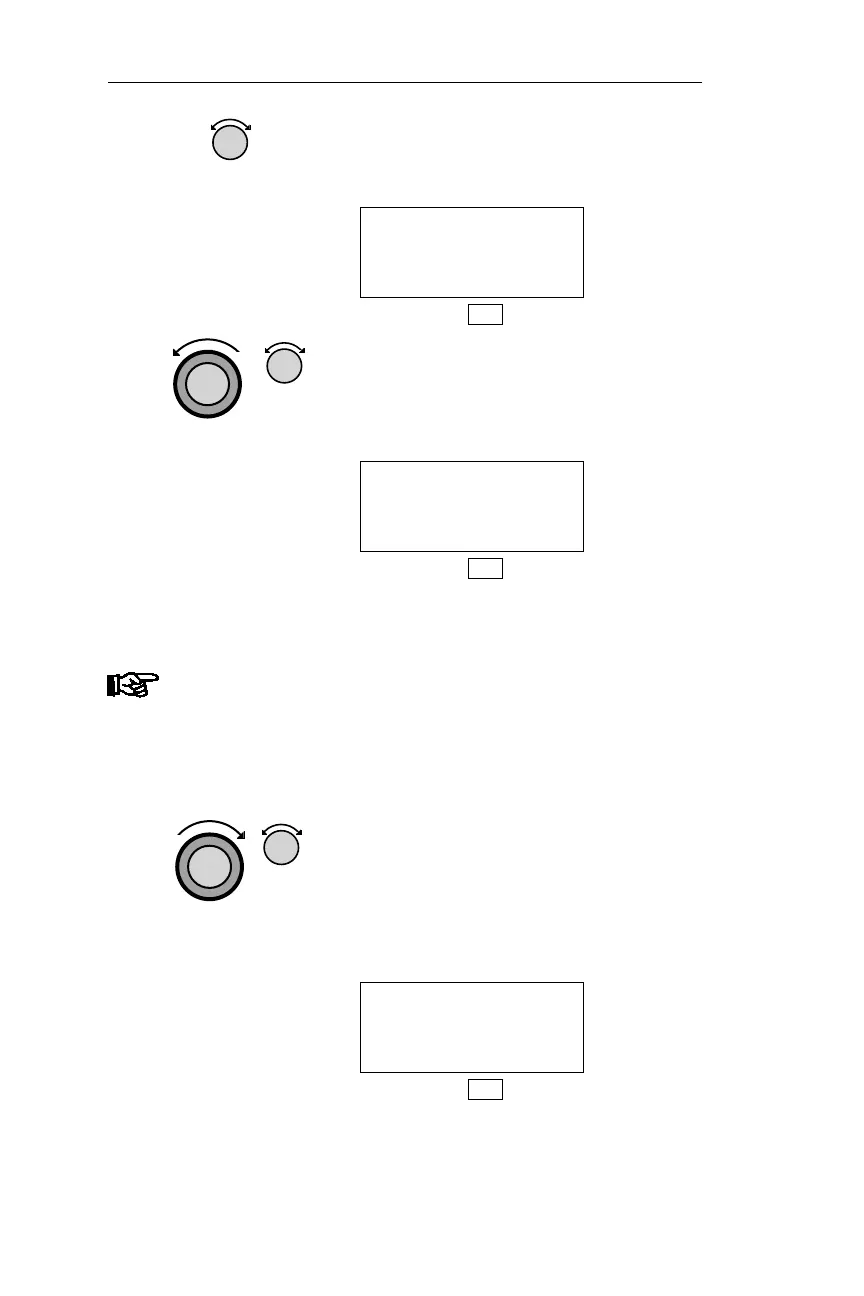
5. Turn the Small knob to display the
desired search type — CITY, or FACIL
(Facility).
AIRPORT AAP
ANDRAU
FACIL TX USA
DB
6. Turn the Large knob to make the
City/Facility name flash. Turn the
Small knob to display the desired
character.
AIRPORT Q89
MACGILLIVRAY
FACIL CA USA
DB
Note
When you press SEL a second time, the selected field
will flash. Turn the Small knob to scroll through all
items similar to the selected characters. For instance,
if you had selected “M” for the first character and
“E” as the second character, turning the Small knob
will scroll through all names that start with “ME.”
7. Turn the Large knob to make the next
character flash. Turn the Small knob to
choose the character. Repeat to choose
the remaining character(s) in the
city/facility name. The desired
waypoint is displayed.
AIRPORT SLE
MCNARY
FACIL OR USA
DB
120
DB Mode Procedures Operations



 To Next Page