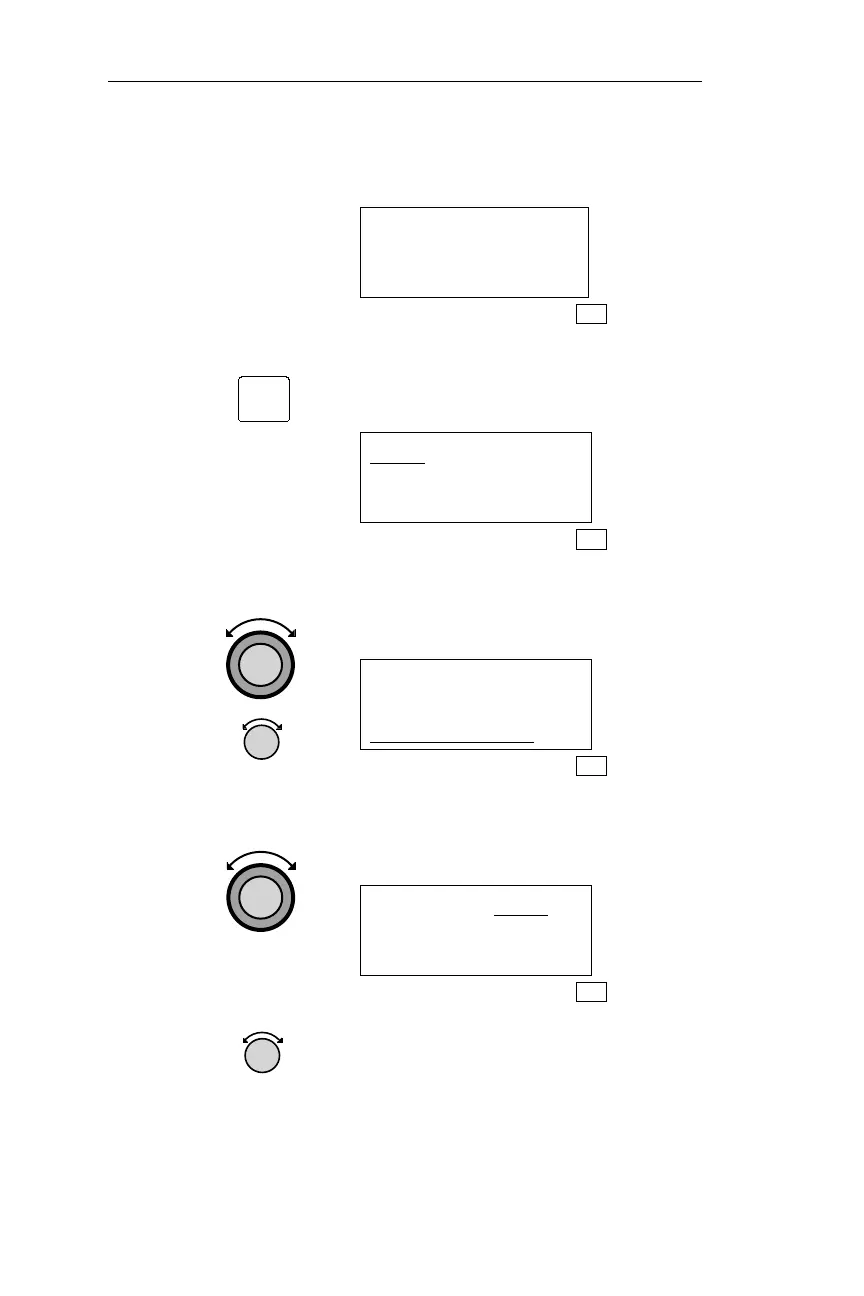
If waypoints have already been entered,
the Flight Plan Leg page may be similar
to this.
SLE TO HIO
1** 346° 37.9NM
ARPT ARPT
FPL
2.
Pressing SEL will start the cursor
flashing, indicating that Flight Plan Leg
page editing has begun.
CHG? TO HIO
1** 346° 37.9NM
ARPT ARPT
FPL
3.
Rotate the Large knob to move the cursor
Turn the Small knob to view available
fields.
CHG? TO HIO
1** 346° 37.9NM
ARPT ARPT
FPL
4.
Rotate the Large knob to move the
cursor, in this case to the To waypoint of
the displayed leg.
SLE TO CHG?
1** 346° 37.9NM
ARPT ARPT
FPL
5.
Rotate the Small knob to view the
desired option where the cursor is
flashing.
146
Flight Plan (FPL) Mode Operations
SEL



 To Next Page