Airspace Alert Settings (continued)
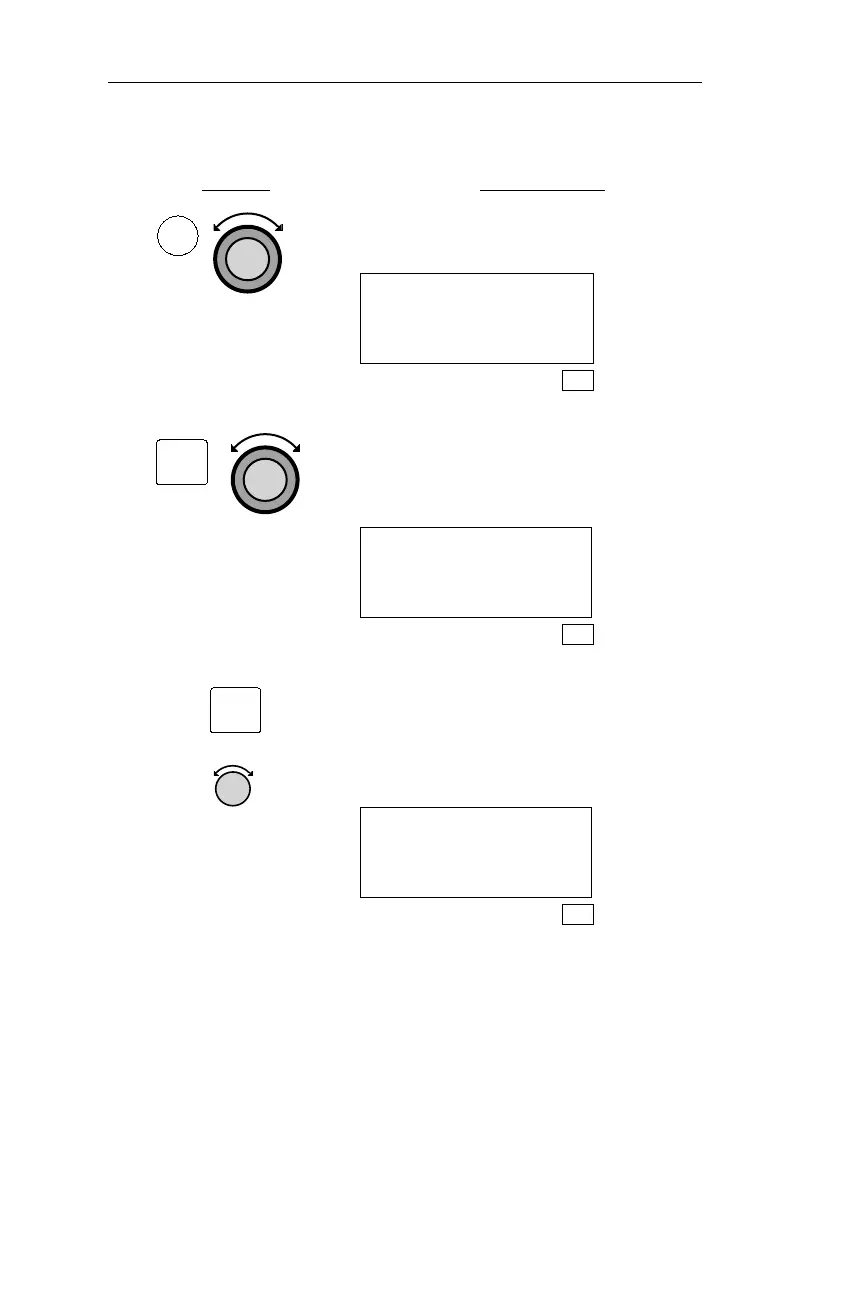
Action Explanation
1. In SYS mode, turn the Large knob to
display the Navigation Info page.
Navigation Info
Press ENT
SYS
2. Pressing ENT activates the Navigation
Info Sub-State functions. Turn the
Large knob to display the Airspace
Setup page.
Airspace Setup
Alerts: ON ·
SYS
3. Pressing SEL activates editing. Turn
the Small knob to display “ON” or
“OFF.” Choosing “OFF” turns all
airspace alert messages off. Press ENT
to save the displayed setting.
Airspace Setup
Alerts: ON ·
SYS
182
Navigation Information Sub-State Operations
ENT
SEL
SYS



 To Next Page