Editing the Auto CDI Scaling Option (continued)
Action Explanation
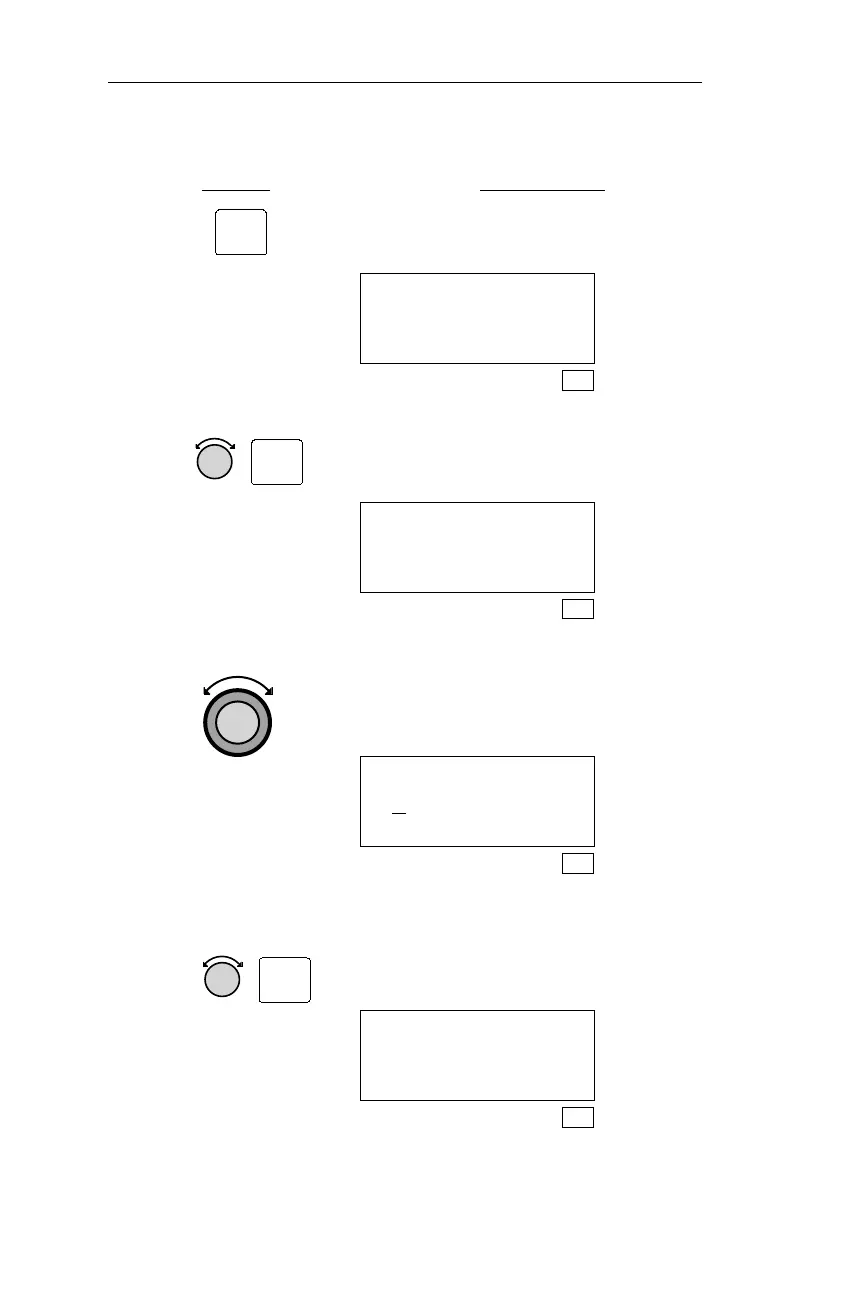
3. Pressing SEL activates editing. The
active selection will flash.
CDI SCALING
AUTOMATIC
5.00nm
SYS
4. Turn the Small knob to Automatic or
Manual scaling. Press ENT to save
your choice.
CDI SCALING
MANUAL
ªªªªª 5.00nm
SYS
5. Change the manual resolution while
“MANUAL” is flashing. Turn the
Large, outer knob. The sensitivity
value will flash.
CDI SCALING
M
ANUAL
ªªªªª 5.00nm
SYS
6. Turn the Small, inner knob to select
0.30, 1.00, or 5.00 nm full scale
deflection per side. Press ENT to save
your choice.
CDI SCALING
AUTOMATIC
ªªªªª 0.30nm
SYS
200
Navigation Information Sub-State Operations
SEL
ENT
ENT



 To Next Page