Load a Destination Airport
The destination must be an airport.
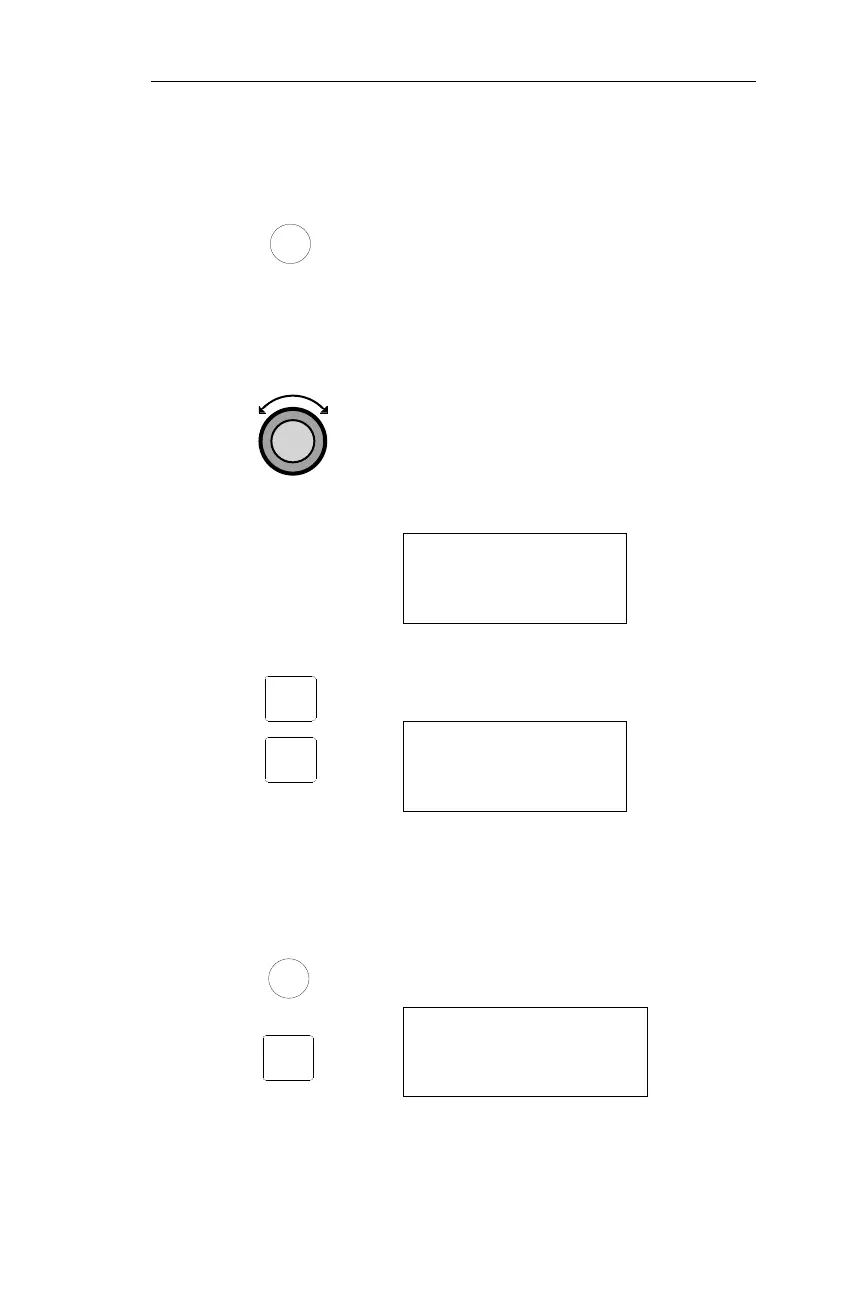
1. Load your flight plan. You may
activate or edit an existing flight plan.
Press the FPL button to reach FLIGHT
PLAN mode.
If the desired flight plan is active, go to the
next section “Load Approach
Information.”
2. If the desired flight plan is not
displayed, turn the Large, outer knob
to display the desired flight plan.
RTE 1 1020NM
DEST WPT: SEA
INACTIVE ·
3. Press SEL. “Activate” will flash. Press
ENT to activate the selected flight plan.
RTE 1 1020NM
DEST WPT: SEA
ACTIVATE?
Load Approach Information
1. Press FPL.
2. Press SEL to reach the “Load
Approach?” selection.
*ACTIVE* 1020NM
DEST WPT: SEA
Load Approach?
263
Operations Approach Operations
SEL
FPL
ENT
SEL
FPL



 To Next Page