Starting the Flight Simulation (continued)
2. (Onlyif adatacard is
not installed)
If no data card is installed, the magnetic
variation must be entered manually.
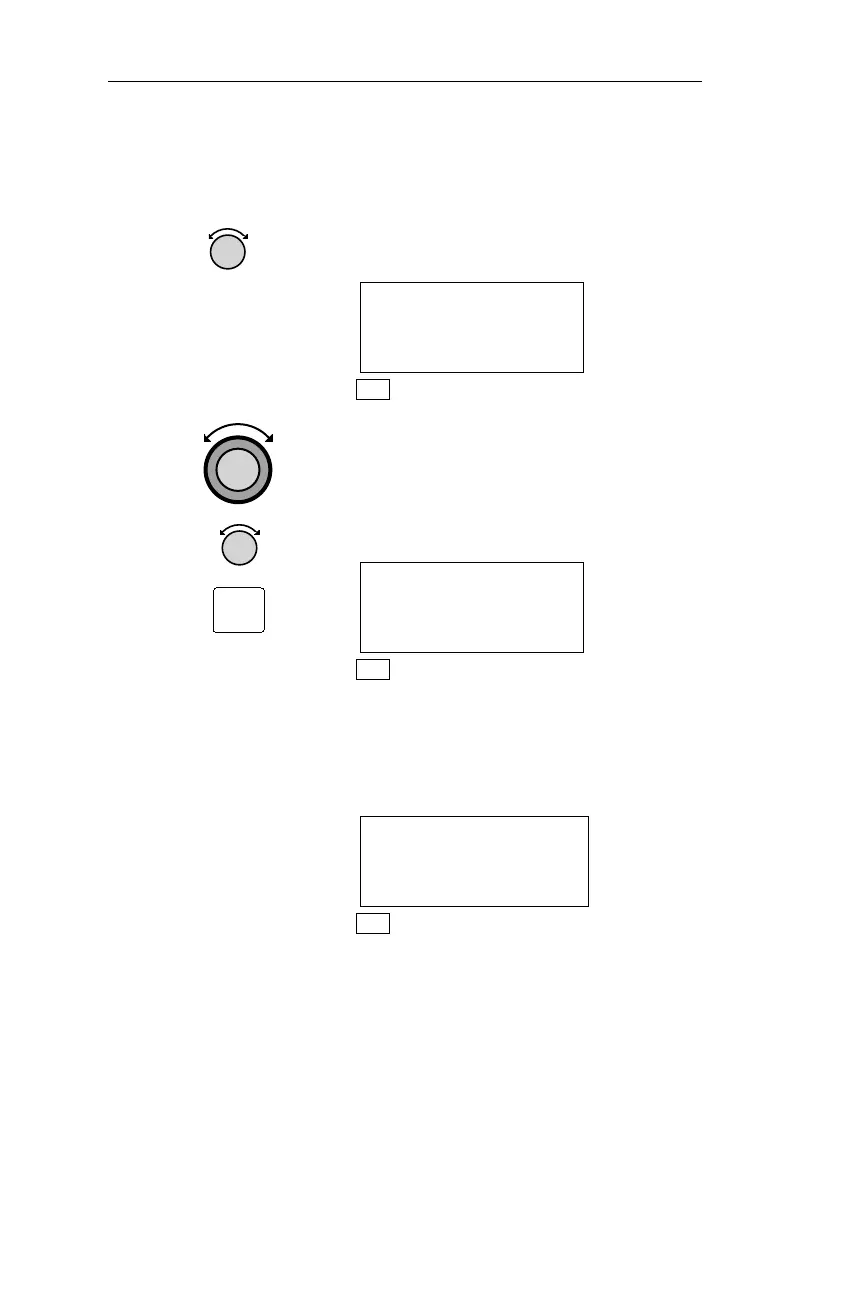
Turn the Small knob to display the
desired magnetic variation.
NO DATABASE
ENTER MANUAL
MAG VAR: 09°W
NAV
Turn the Large knob to make the
variation direction flash. Turn the
Small knob to display “E” or “W.”
Pressing ENT enters the displayed
magnetic variation.
NO DATABASE
ENTER MANUAL
MAG VAR: 09°E
NAV
If you have changed the default
(factory) airspace alert settings, the
following display appears for
approximately 3 seconds.
AIRSPACE
SETTINGS ARE
NON-STANDARD
NAV
336
Flight Simulator Apollo NMC
ENT



 To Next Page