Starting the Flight Simulation (continued)
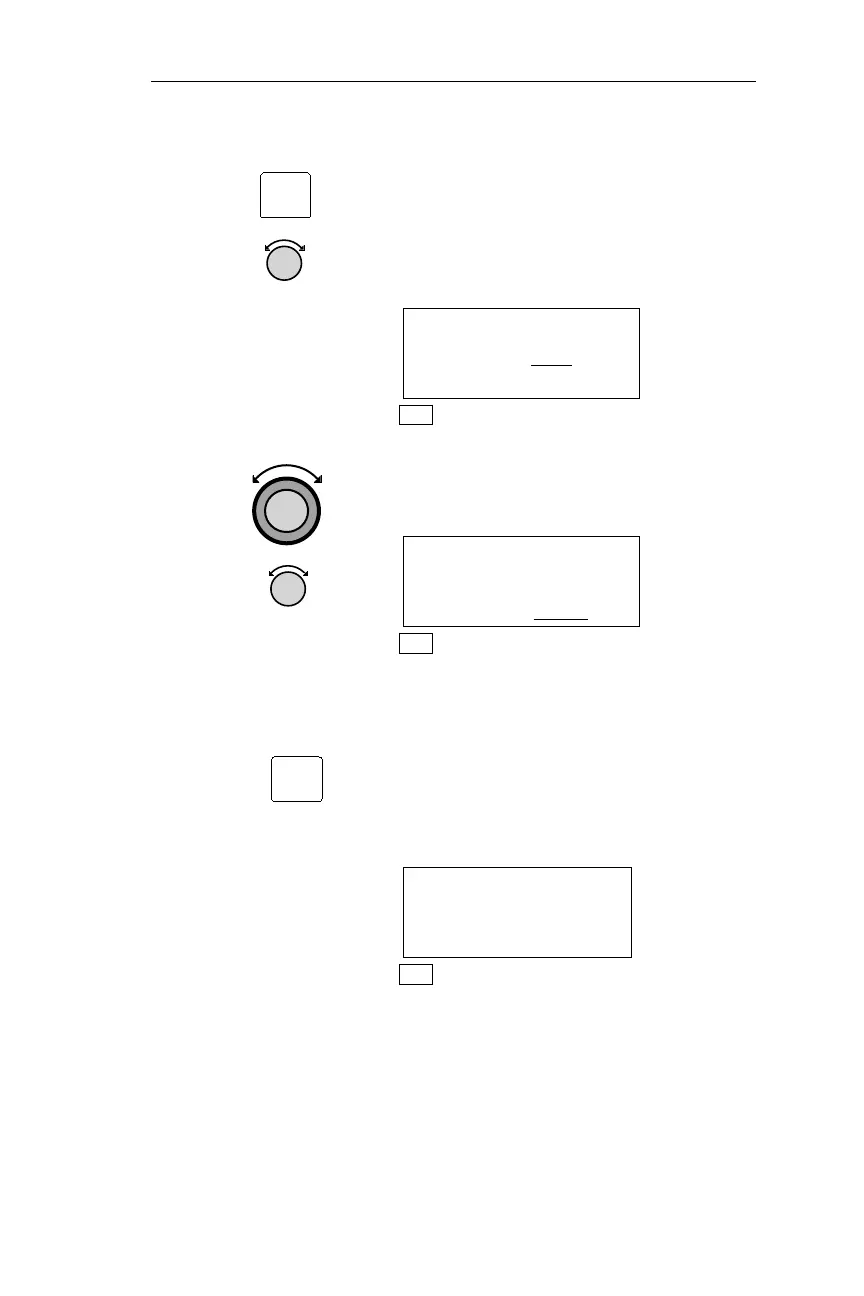
4. Pressing SEL activates editing. This
display is used to enter a ground speed
and altitude to be used during the flight
simulation. Turn the Small knob to
display the desired ground speed.
SIMULATOR SETUPS
GR SPEED 200
KTS
ALTITUDE 3500FT
NAV
Turn the Large knob to make the
altitude value flash. Turn the Small
knob to display the desired altitude.
SIMULATOR SETUPS
GR SPEED 240KTS
ALTITUDE 4000
FT
NAV
Pressing ENT enters the displayed
ground speed and altitude values and
starts the flight simulation. The NMC is
placed in NAV mode, and a simulated
GPS sensor begins tracking your
position from the first FROM waypoint
in the Active flight plan.
ETE: AAP 01:23
0.01
BRG 090 156NM
NAV
339
Apollo NMC Flight Simulator
SEL
ENT



 To Next Page