Setting Runway Limits (continued)
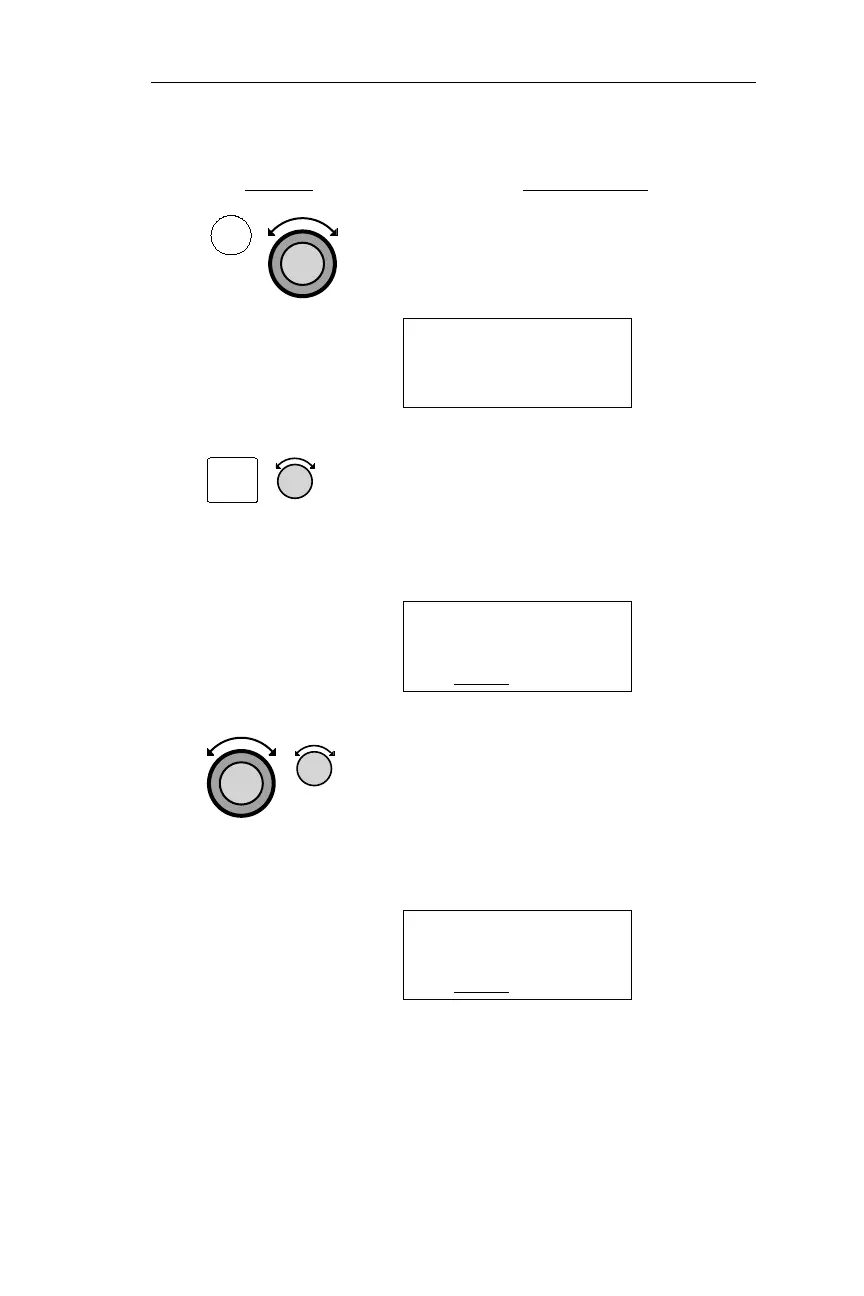
Action Explanation
1. In EMG mode, turn the Large knob to
display the Runway Limits page.
RUNWAY LIMITS
HARD/SOFT/WATER
FT:0 LIT:NO
2. Pressing SEL activates editing. Turn
the Small knob to display the desired
runway length. Runway length is
selected in increments of 100 feet.
RUNWAY LIMITS
HARD/SOFT/WATER
FT:2500
LIT:NO
3. Turn the Large knob to make the
surface type or lighting requirement
flash. Turn the Small knob to choose
the setting. Repeat until the desired
limits are displayed.
RUNWAY LIMITS
HARD/SOFT/WATER
FT:2500
LIT:YES
37
Operations Emergency Mode Procedures
EMG
SEL



 To Next Page