NAME and FUNCTION
2
27
UHK-430/CCU-430 1710 VER2 (E)
2.2 Displays in the Viewfinder (VFL201D)
■
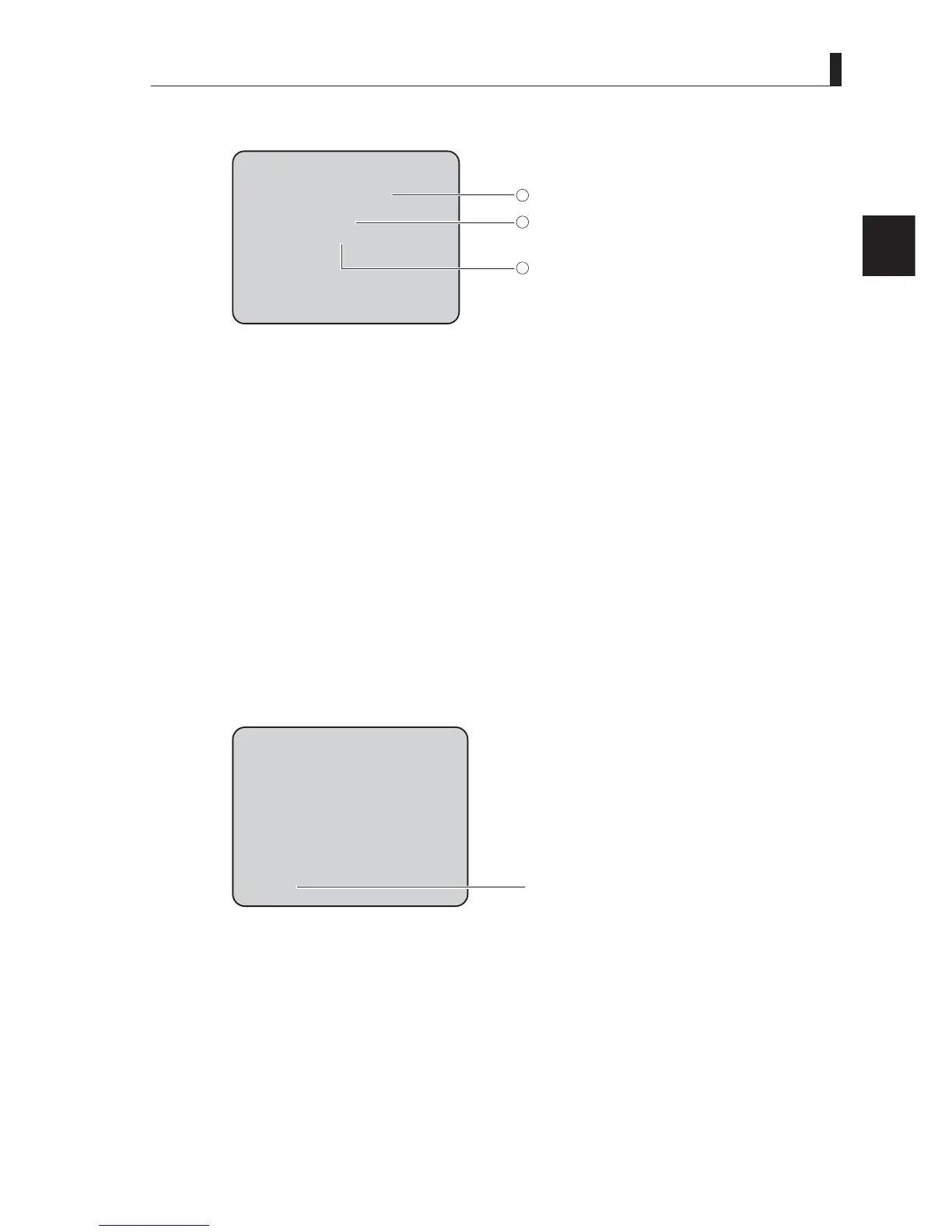
Auto Setup Display
ABB
O K
BLKSET
1
2
3
Auto setup function
Execution result of auto setup
Adjustment item of auto setup
(1) Auto setup function
Executing auto setup function is displayed.
³$:%´
³$%%´
“FULL SETUP”
“LEVEL SETUP” etc.
(2) Execution result of auto setup
([HFXWLRQUHVXOWRIDXWRVHWXS$:%DQG$%%LQFOXGLQJLVGLVSOD\HG
2.$XWRVHWXSKDVEHHQFRPSOHWHG
1*$XWRVHWXSZDVQRWFRPSOHWHG
6723$XWRVHWXSZDVGLVFRQWLQXHG
/(9(/29(5 ,QSXWVLJQDOOHYHOLVWRRKLJK
/(9(/81'(5 ,QSXWVLJQDOOHYHOLVWRRORZ
&+*),/7(5 2SWLFDO¿OWHULVQRWDSSURSULDWH
(3) Adjustment item of auto setup
The item to which adjustment is being made is displayed during auto setup.
³)/$5(*$00$*$,1´
“PED”
“IRIS” etc.
■
Return Video Channel Display
RET-1
Return video input channel
- Return video input channel
Displays the selected channel of the return video signals..
5(7 5HWXUQYLGHRLVVHOHFWHG
5(7 5HWXUQYLGHRLVVHOHFWHG
5(7 5HWXUQYLGHRLVVHOHFWHG
5(7 5HWXUQYLGHRLVVHOHFWHG



 To Next Page