68
UHK-430/CCU-430 1710 VER2 (E)
4.5 Viewfinder Adjustment (VFL201D)
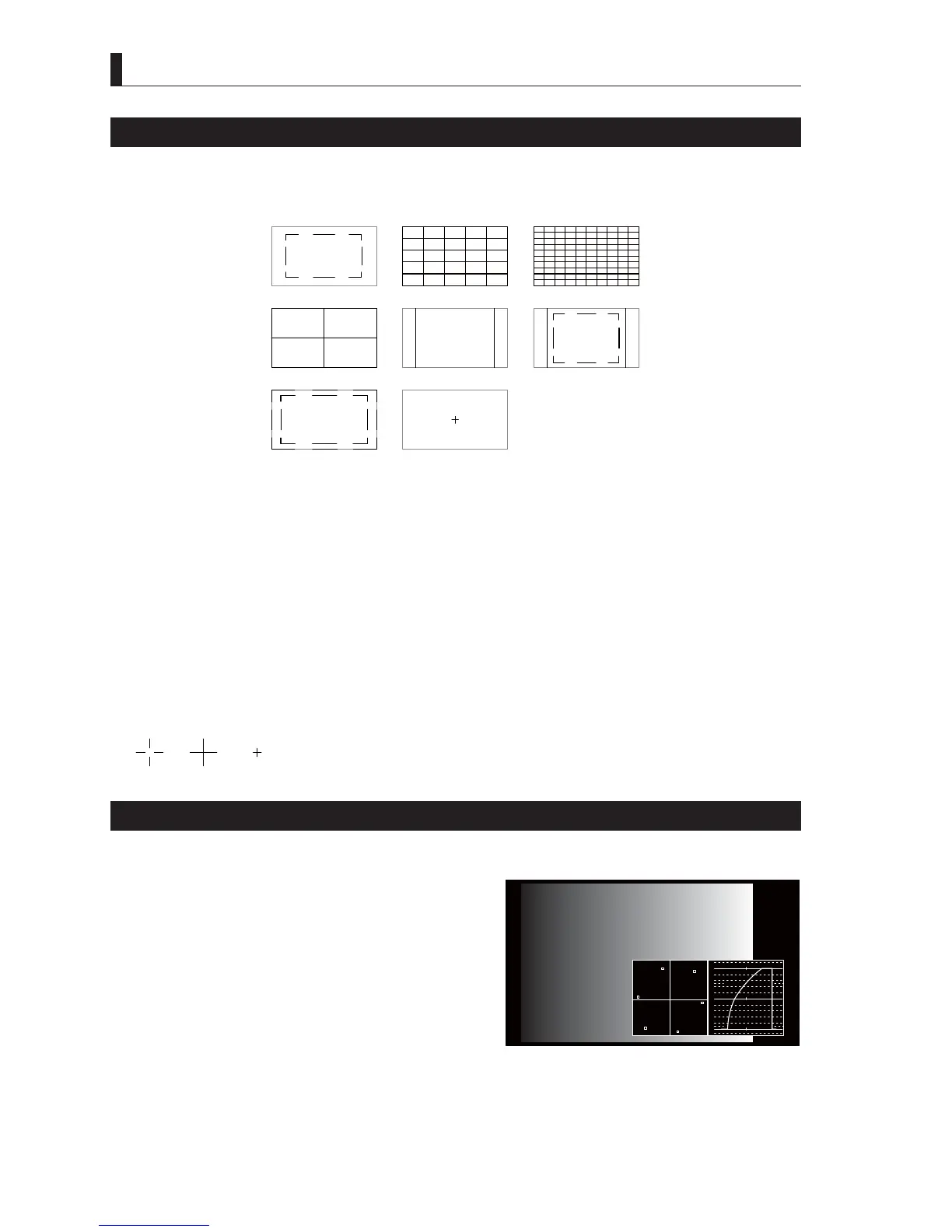
Viewfinder Marker Display Settings
9DULRXVPDUNHUVDUHDYDLODEOHIRUWKHYLHZ¿QGHU
Use the Menu screen to select and turn on/off the markers On and Off.
■
Marker types
FRM+SAFTY CENTER
C.CROSS ASPECT ASP+SAFE
CROSS10
CROSS5SAFETY
- Frame marker
6HOHFWRU
- Safety marker
6HOHFWWKH$&7,210$5.(5RU7,7/(0$5.(5
<RXFDQVHWWKHPDUNHUSRVLWLRQ
- Cross marker
6HOHFWWKH&&52266&5266RU&5266
$VSHFWPDUNHU
6HOHFWRU
- Center marker
6HOHFW7<3(7<3(RU7<3(
TYPE3TYPE2TYPE1
Center marker types
Display the Waveform Video and Vector Video in the Viewfinder
7KHYLHZ¿QGHUFDQGLVSOD\ZDYHIRUPPRQLWRULQJZDYHPRQLWRULPDJHVDQGFRORUPRQLWRULQJYHFWRUVFRSHLPDJHVDVVXSSRUWLQJ
functions.
The position, brightness, and display colors of the monitoring images can
be set in the Menu setting screen.
㻝㻜㻜
㻡㻜
㻜



 To Next Page