30
UHK-430/CCU-430 1710 VER2 (E)
2.3 CCU-430
(9) Intercom control
3+21( $GMXVWVWKHKHDGVHWYROXPH
0,& 7XUQVRQRIIWKHKHDGVHWPLFURSKRQH7KH377VLGHLVWXUQHGRQRQO\ZKLOHLWLVSUHVVHG
359&20 6ZLWFKHVWKHVWDWXVRI,17(5&20
PRV => Intercom only enabled between CCU and camera.
COMM => Intercom enabled with the entire system.
(10) Menu switch
Controls the operation the CCU menu.
23( (QDEOHV&&8PHQXGLVSOD\RQWKH30RXWSXWV
2)) 'LVDEOHVWKHPHQXGLVSOD\RQWKH30RXWSXWV7KH0(18FRQWUROVZLWFKGHVFULEHGLQLVGLVDEOHG
The menu is closed when the switch is changed from OPE to OFF while the menu is displayed.
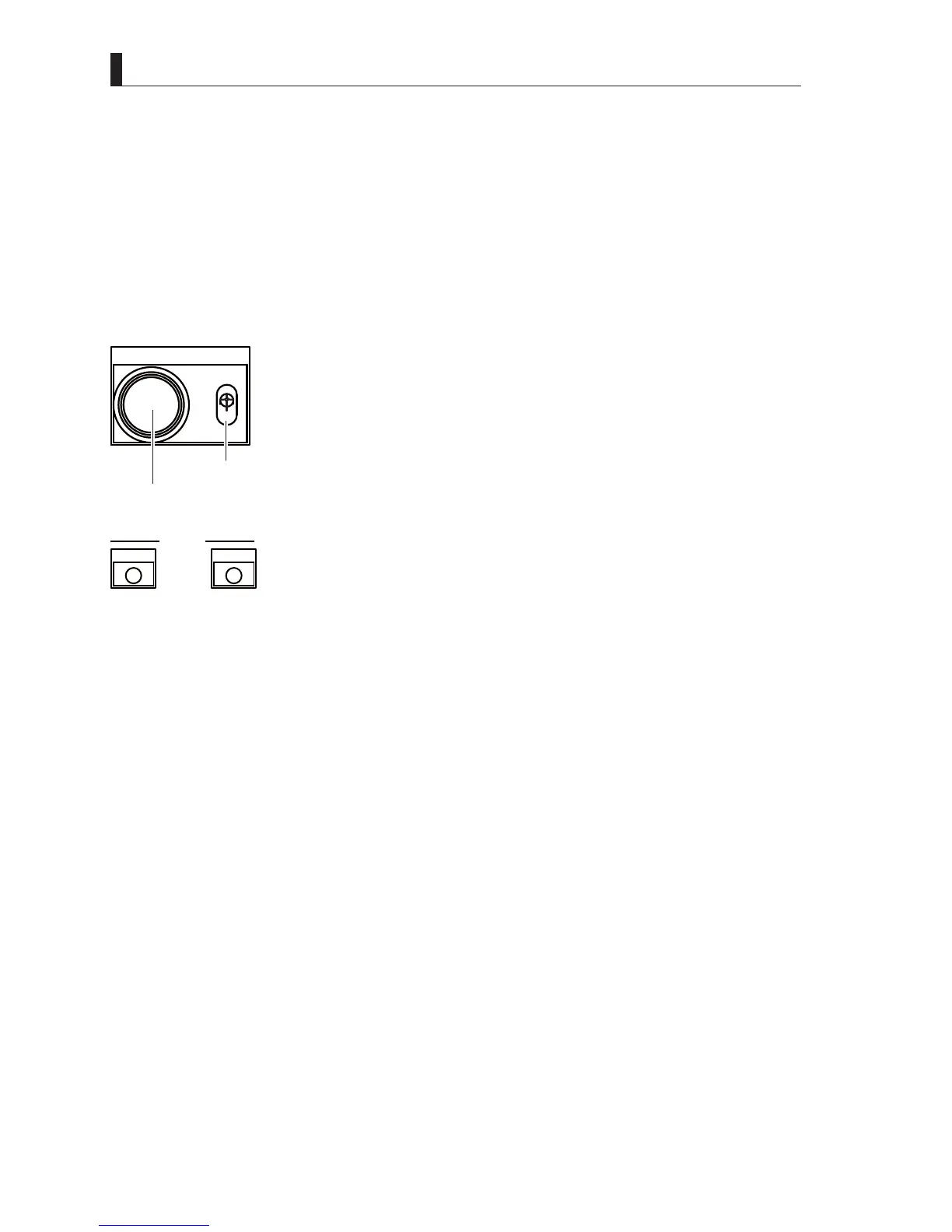
(11) Menu control switch
MENU
OPE
OFF
Menu switch
Menu control switch
The Menu switch presses the Menu control switch for 3 seconds on the "OPE" side , the CCU The
menu is displayed on the the PM OUT (monitor output).
While checking the picture monitor outputs, turn the knob of the Menu control switch to move the
FXUVRU7KHQSUHVVWKH0HQXFRQWUROVZLWFKLQWKHRSHUDWLRQLWHPWRFRQ¿UP
(12) Power indicator (green)
POWER
CCU
CAM
The Power indicator displays the power supply statuses of the Camera and CCU.
Each lights (green) when power is supplied to the corresponding unit.
(13) Camera power switch
$VZLWFKXVHGWRVXSSO\SRZHUWRWKH&DPHUD
:KHQLWLVVHWWR21$&YROWDJHLVVXSSOLHG6HWWKLVVZLWFKWR21ZKHQRSHUDWLQJLQWKH)LEHU6LQJOHPRGH
:KHQLWLVVHWWR2))WKHVWDQGE\SRZHUVXSSO\RI$&9LVVXSSOLHG
(14) CCU power switch
ON/OFF switch for CCU power supply.
21 3RZHULVVXSSOLHGWRWKH&&8$OVRVWDQGE\SRZHULVVXSSOLHGZKHQWKH3RZHUVZLWFKRIWKH&DPHUDLVVHWWR2))
2)) 6WRSVSRZHUWRWKH&&8
Caution:
,I\RXWXUQRIIWKHSRZHUVZLWFKDQGWKHQWXUQLWRQDJDLQZDLWIRUVHFRQGVEHIRUHWXUQLQJLWRQ
(15) INIT/PM switch
INIT/PM switch displays and switches various information including diagnosis information (failure diagnosis) on the picture
monitor output.
(16) Call button
7KH57$//<LQGLFDWRUVIRUWKH&DPHUDDQGFRQWUROSDQHOVOLJKWRQO\ZKLOHWKLVEXWWRQLVSUHVVHG
%X]]HUVRXQGVLIWKHGHYLFHKDVDEX]]HU
(17) USB connector
7KH86%FRQQHFWRULVXVHGWR¿OHRSHUDWLRQV



 To Next Page