Executing the inspection
Inspection Menu
108
Protocol Preview
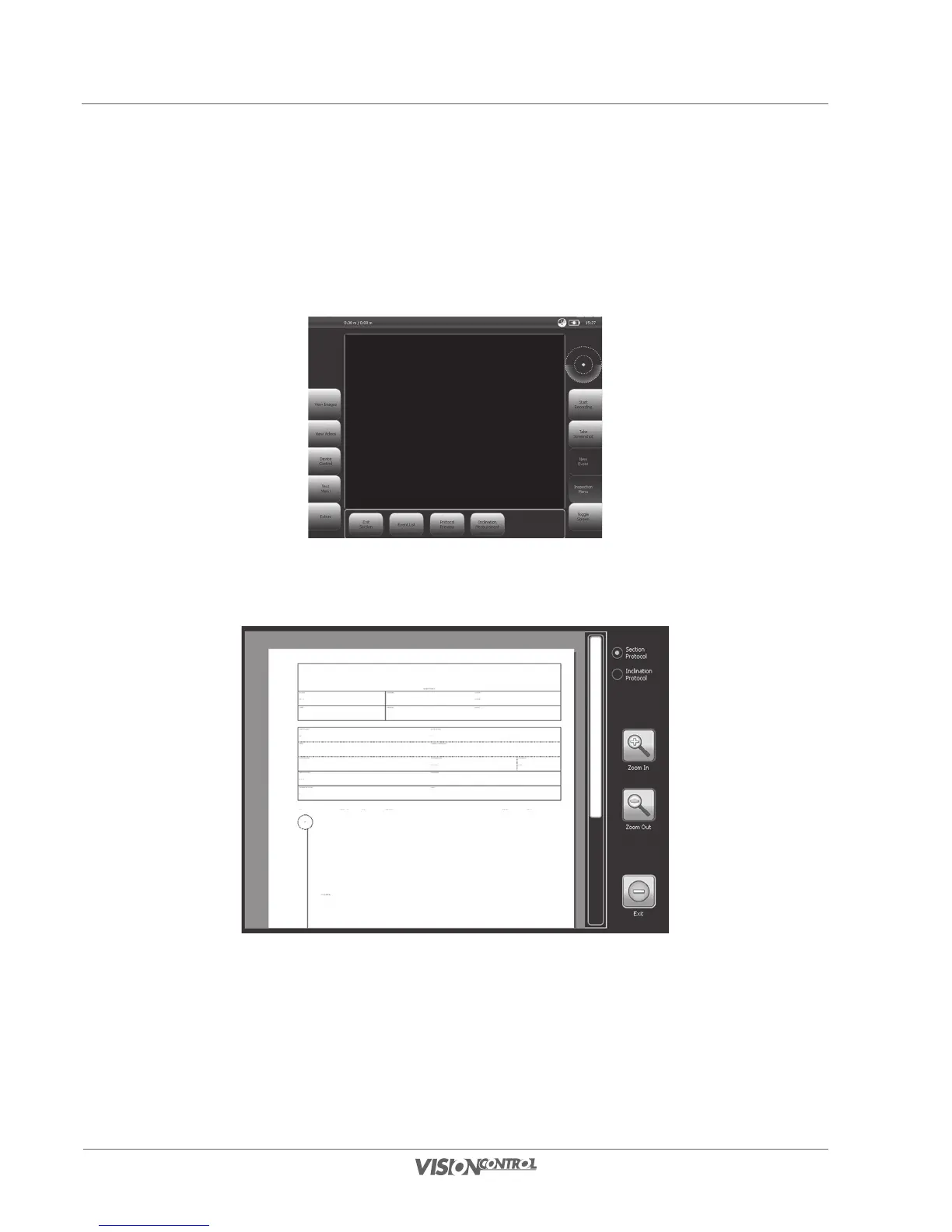
In the protocol preview dialog you can get an overview of the current selected section in the form of a section protocol as well as an inclination
protocol. The final section protocol and inclination protocol in PDF format will be created by the VISIONREPORT-Viewer; this dialog only shows
you a preview of these protocols.
• While using inspection mode, select the button PROTOCOL PREVIEW
• By pressing and dragging the preview graphic you can change the displayed part of the graphic.
• You can switch between protocols using the options SECTION PROTOCOL and INCLINATION PROTOCOL.



 To Next Page