User interface
System Settings
50
Network
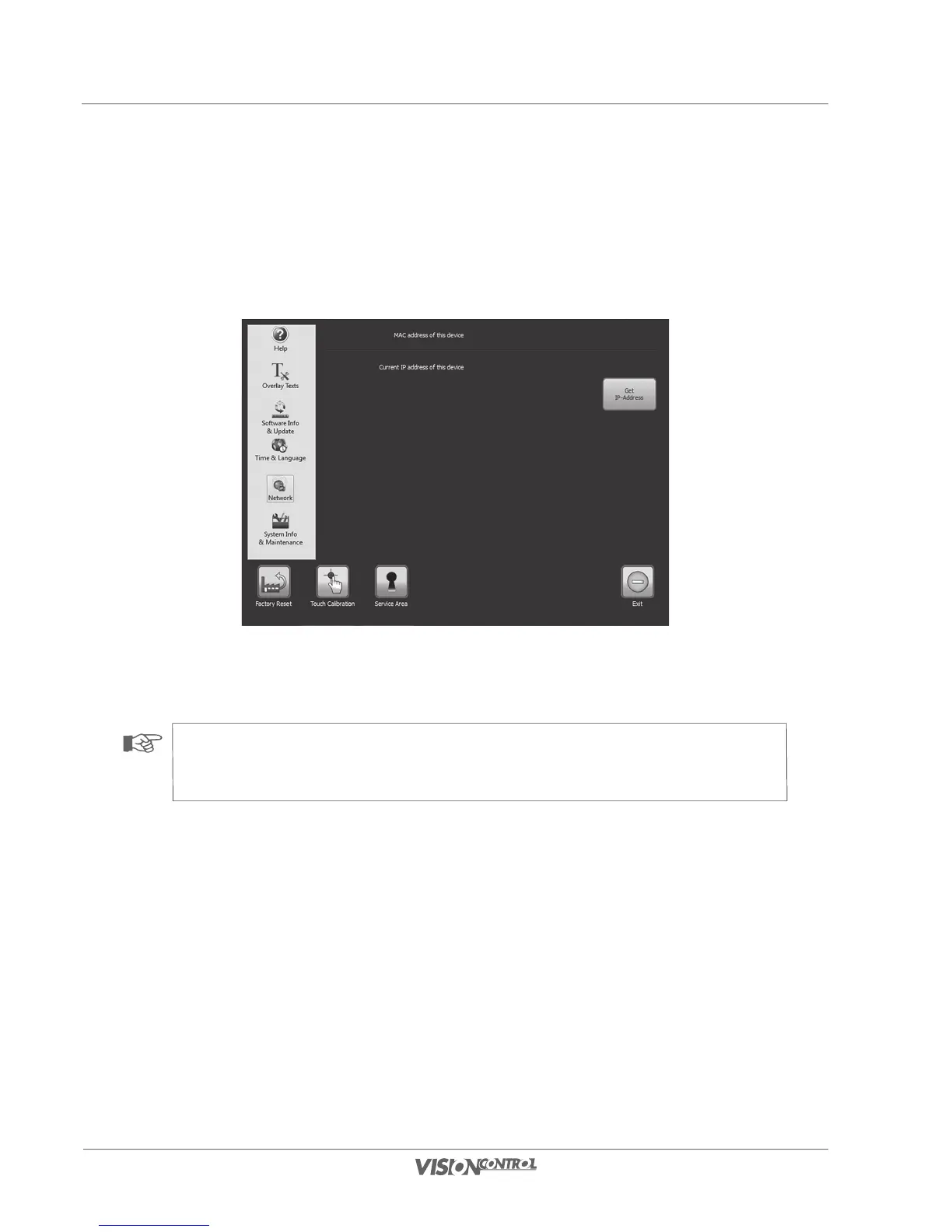
In order to access your device via network, it has to register itself with the network first. It does this by obtaining an IP address from the network.
To do this push the button GET IP ADDRESS. If an IP address has been obtained it will be displayed in the appropriate line. The MAC address
is always shown above the IP address.
• Select Get IP-Address.
Your device should now display a valid IP-address.
NOTE!
If you do not have a valid IP-address, or if an IP-address is not displayed, then check the network connection of your
VISIONCONTROL control panel, or ask your network administrator.



 To Next Page