Crawler
Clutch
ON
Slow
Secure
Mode
OFF
Aux. Light
- +
0%
Video Source
Internal External
Others
Reel
Standard
Mode
Camera
Auto
Center
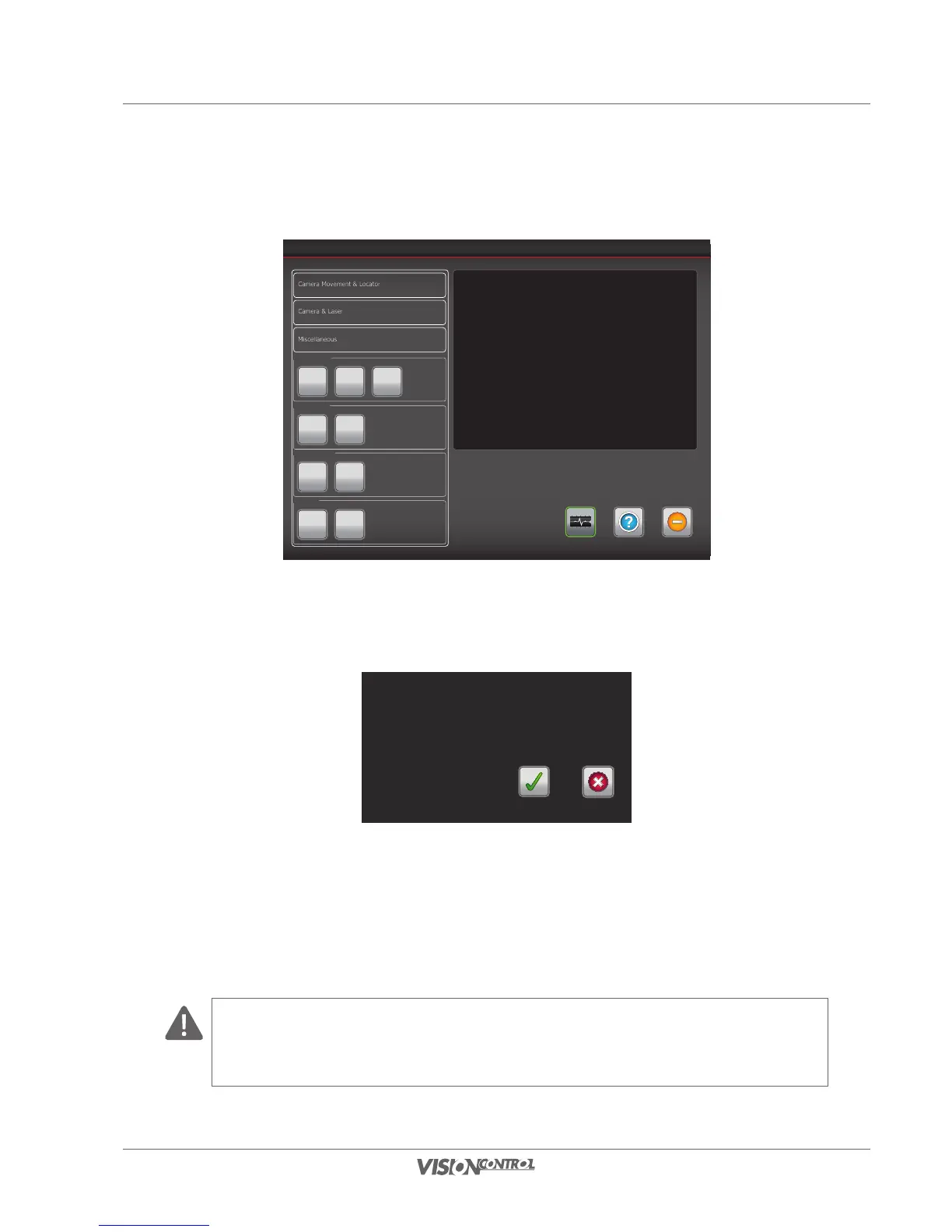
By activating the button Reel standard mode the cable reel’s status is changed from standard to invert mode. A new window is displayed,
where you need to reconfirm your selection to activate the reel invert mode by pressing the button yes.
Do you want to set reel to reverse mode?
Nein
Ja
Reel standard mode is activated:
The crawler moves forward, the cable is being unwound.
The crawler moves backwards, the cable is being rewound.
Reel invert mode is activated:
The crawler moves backwards, the cable is being unwound.
The crawler moves forward, the cable is being rewound.
CAUTION!
Make sure not to drive over the camera cable to avoid damaging the cable.
With the invert mode being activated the winding direction of the cable reel also changes when operated manually!



 To Next Page