User interface
System Settings
53
Calibrating the touch screen
NOTE!
Activate the cross-hairs only after you have completely executed the necessary calibration movements. Otherwise it may be the case
that your touchscreen cannot be correctly calibrated.
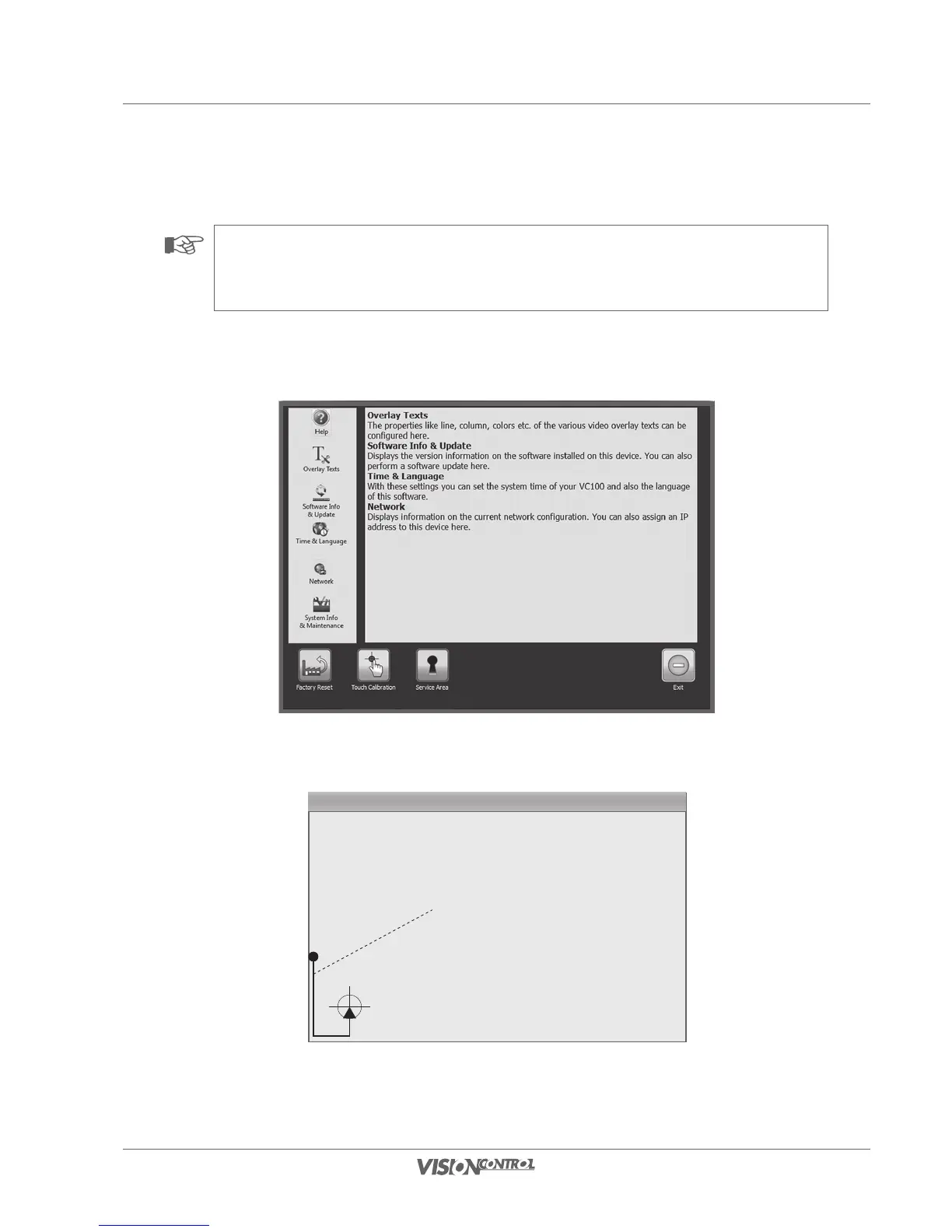
• Select the function Touch Calibration.
• On the screen, execute the marked calibration movement in the lower left corner.
Calibrating movement
• On the screen, execute the marked calibration movement in the upper right corner.



 To Next Page