Executing the inspection
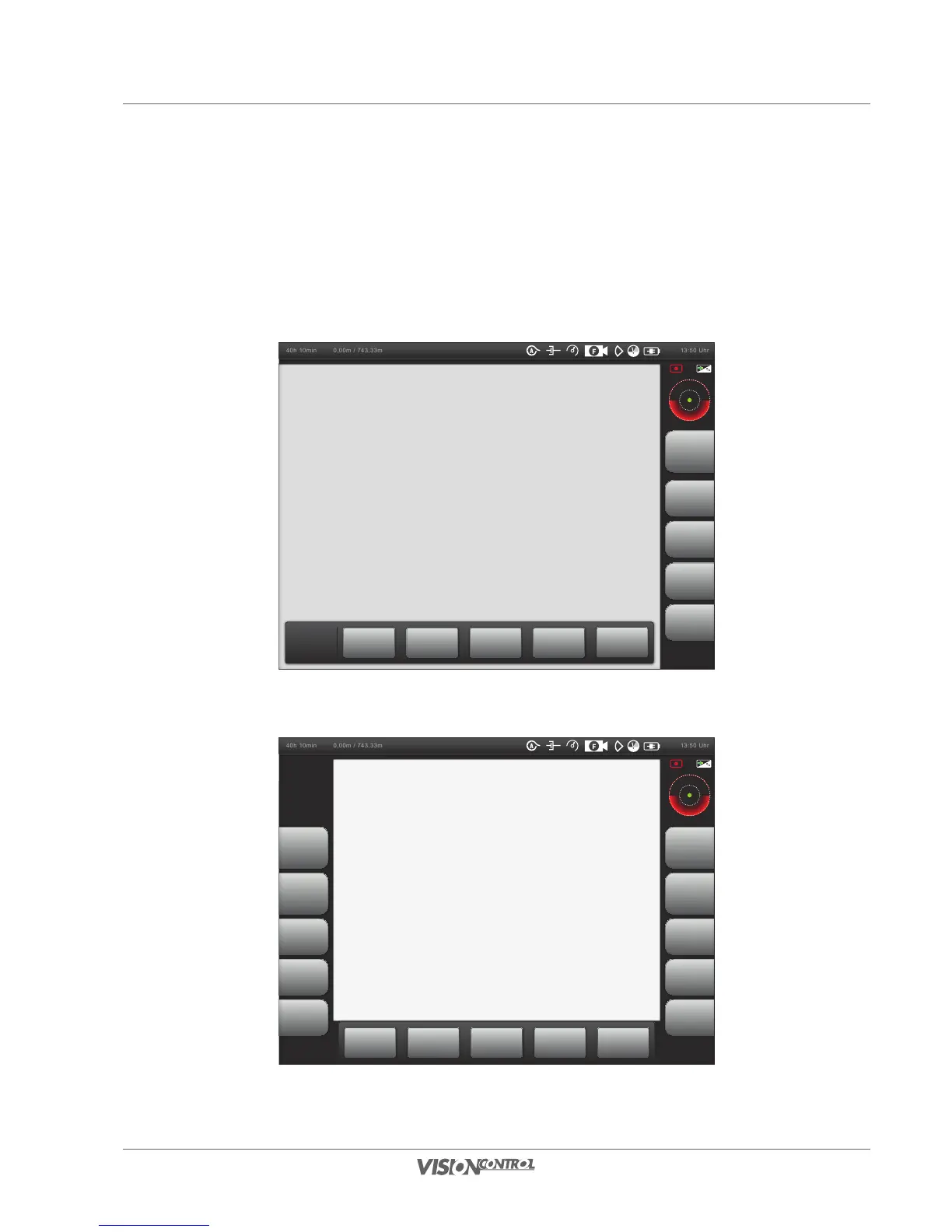
Toggle Screen
111
Toggle Screen
Press the R5 button or the associated touch screen button to change the screen to full-screen view. The touch screen buttons R1 – R5 remain
displayed as do the touch screen function menu buttons in the touch screen area. All buttons L1 – L5 retain their function according to the as-
signments to the touch screen buttons on the left that are now hidden. The touch screen button R5 is labelled Toggle Screen and has a toggle
function that allows you to switch the views back and forth.
40h 10min 13:50 Uhr0,00m / 743,33m
Full-Screen Mode
40h 10min 13:50 Uhr0,00m / 743,33m
Main Inspection View



 To Next Page