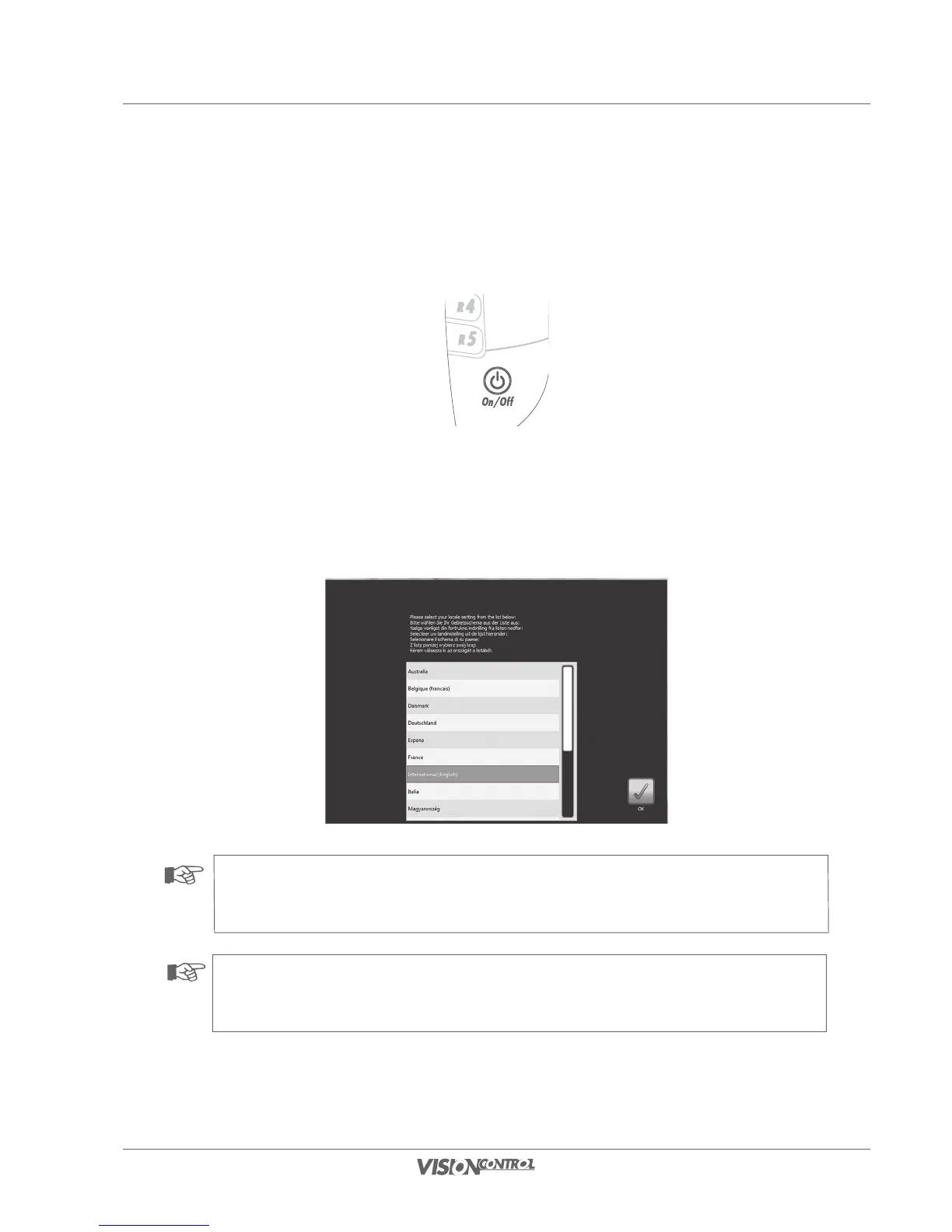
Switching the control panel on
• Press the ON/OFF button briefliy to switch on the control panel.
First system start
When the system is started for the first time, or if the control panel has been reset to factory settings, you will be asked in a selection dialog for the
locale to be set. Selection of the locale sets the presets for the system language, the measurement system, the keyboard layout, and the catalogs
that belong to the respective country. The standard profile in case your country is not listed is “International (English)”.
• Select your locale and press the OK button to confirm.
NOTE!
Selection of the locale sets the presets for the system language, the keyboard layout, and the catalogs that belong to the respective
country. The standard profile for international activities is the “International” locale.
NOTE!
An up-to-date list of the available damage catalogues is available from your iPEK service partner or on the iPEK website.



 To Next Page