User interface
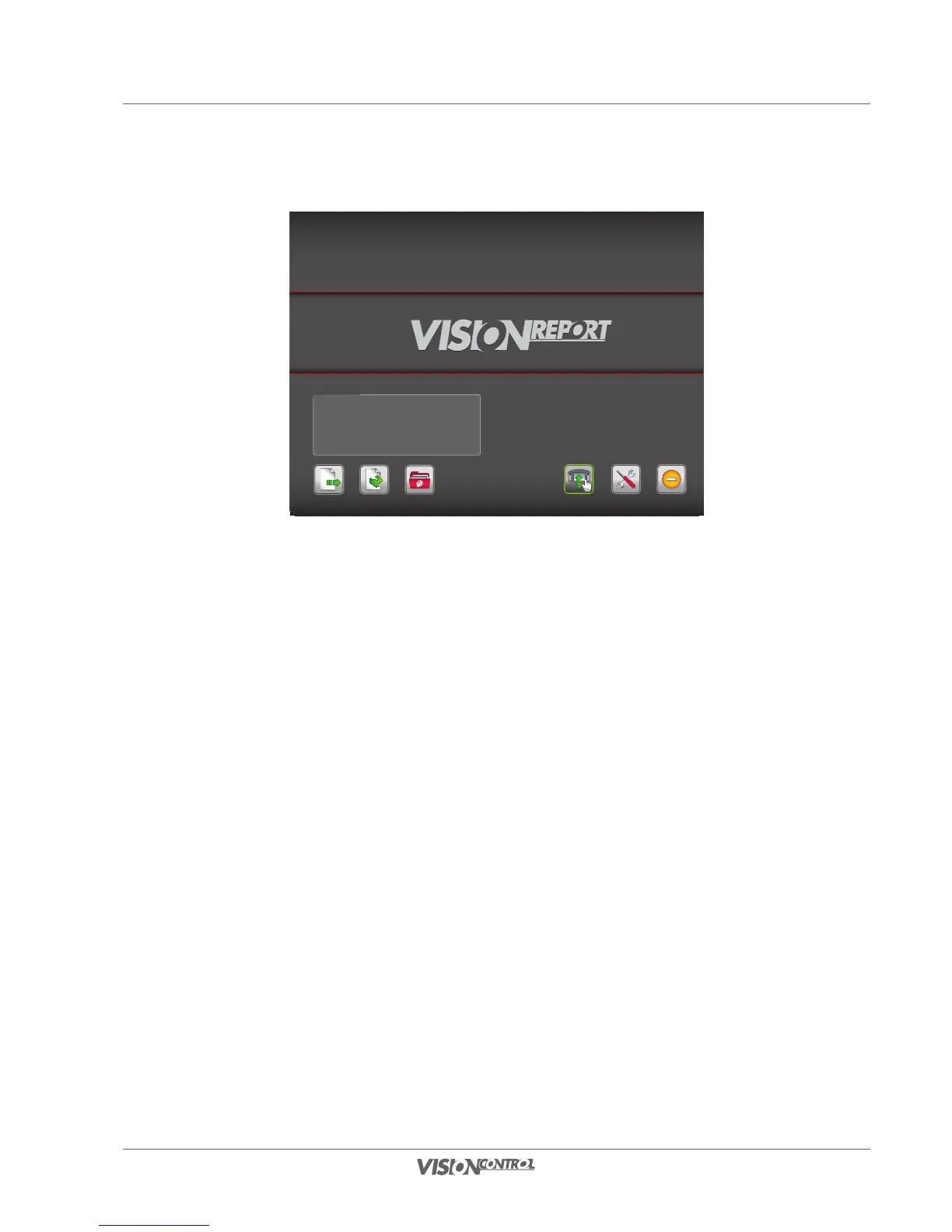
Start screen
39
Start screen
Name: Test
Customer: iPEK International GmbH
Created: 2011-02-24
Continue Project Quick Access Projects Overview
SettingsDirect Control Switch off
Last Project
Last Project
This is where information on your last processed project is displayed.
Continue Project (continue to work directly on the last project)
This is where you can directly continue the last project.
Quick Access (create a simple project)
This is where you can create a simple project and directly generate inspection data.
You cannot select a catalog here.
Projects Overview (Managing Projects)
This takes you to the project overview where you can manage existing projects and create new projects.
DIRECT CONTROL
This enables you to gain access to your system without the need for creating a project. However, you cannot record videos, take photos or create
inspection protocols when working in this mode.
Settings (System Settings)
This takes you to the System Settings, where you can set all the important presets for your inspection.
Switching off
The system is switched off here.



 To Next Page