Executing the inspection
View Videos
79
View Videos
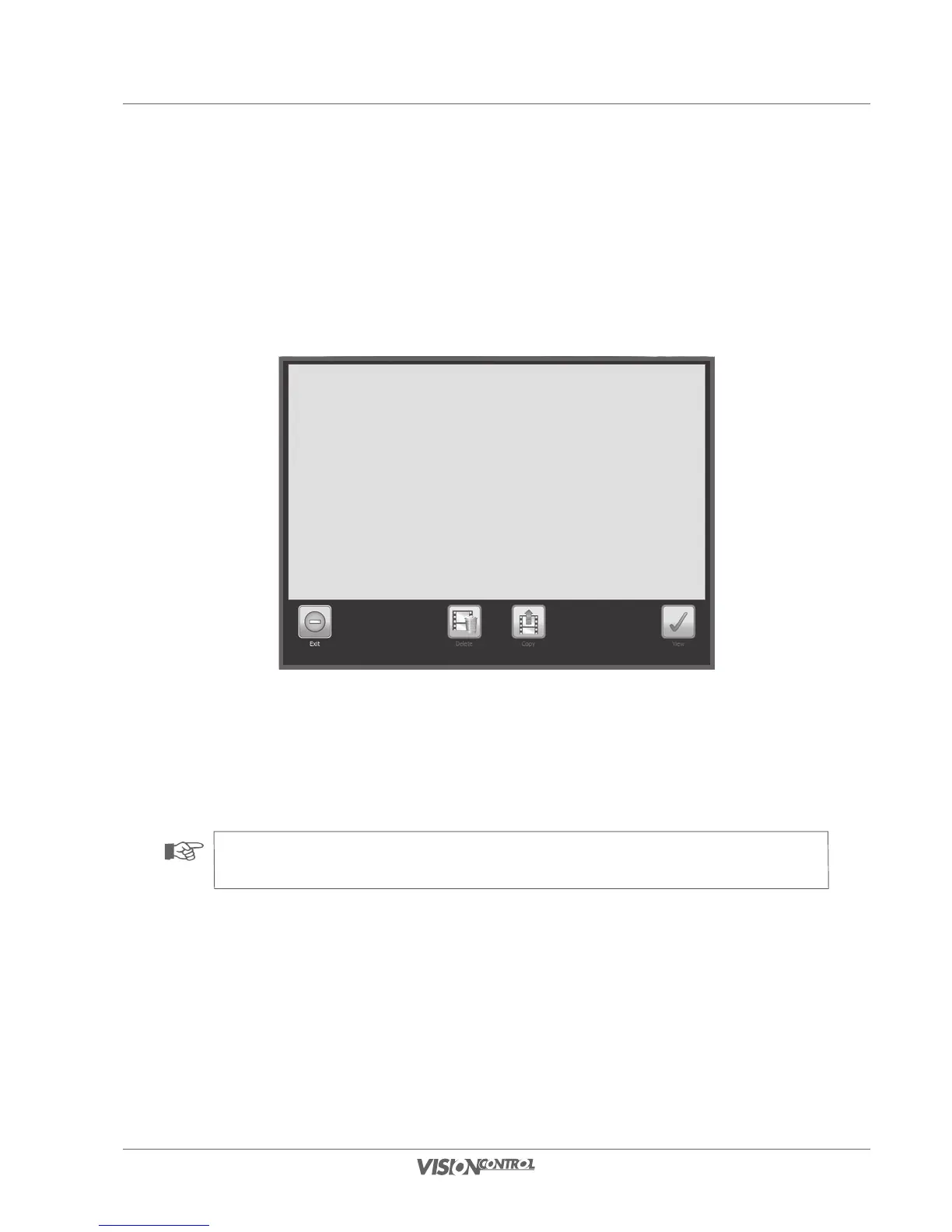
The Video View system dialog provides an overview of all recorded inspection videos of the currently selected section. If a section is not selected
then all videos of the current project will be displayed. The videos are presented in a list with their file names and can be directly selected, viewed,
and copied. In this dialog it is only possible to delete individual videos for a simple project. If you select a video and confirm the selection then the
screenshot opens directly in the main inspection view. Here you can control the video with the aid of the Control button.
• Select a video file by activating it on the touch screen.
• Use the Delete button to directly delete the selected video (only in a simple project).
• Use the Copy button to copy the selected video to a storage medium.
• Select view, to play the selected video.
NOTE!
The View Videos system dialog can only be selected if a video recording is not currently running.



 To Next Page