Functional description
General screen dialogs
29
View Screenshots / View Videos
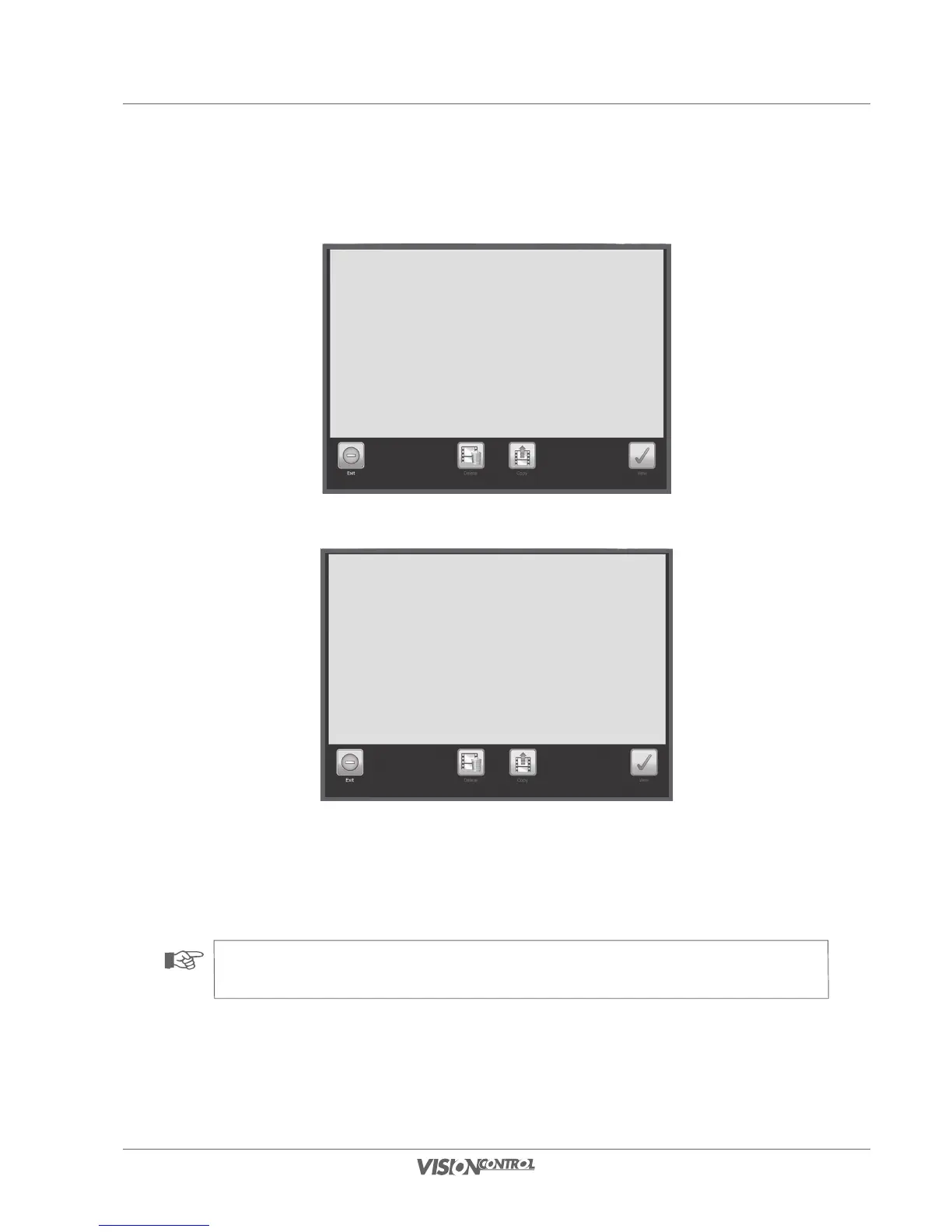
Screenshot Selection
Video Selection
In the Screenshot Selection and Video Selection system dialogs all recorded screenshot data and video data is listed. Here you can call, view,
manage, or delete the data you desire. Please note that screenshots and videos are always assigned to projects and only the data of the currently
selected project is displayed.
NOTE!
If you have selected a section only the screenshots or the videos of the current section will be displayed.



 To Next Page