EasyManua.ls Logo

iPEK VISIONCONTROL VC200 - Set Locator Mode

iPEK VISIONCONTROL VC200
152 pages
Print Icon
To Next Page IconTo Next Page
To Previous Page IconTo Previous Page
Loading...
Executing the inspection
Device Control
85
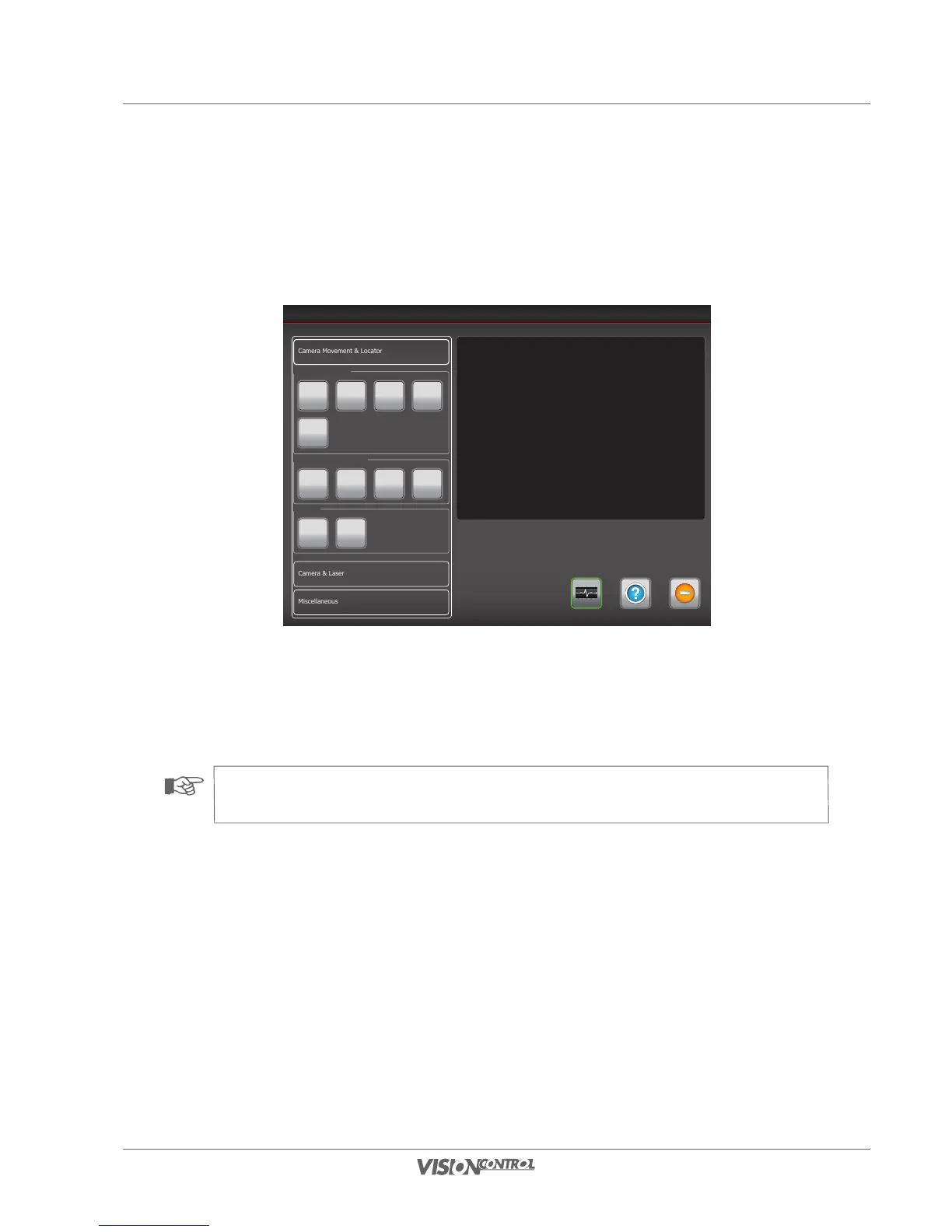
Set Locator Mode
Depending on the design, the camera heads have a controllable location transmitter whose frequency can be set. You can choose between a
location frequency of 512 Hz and 640 Hz or completely switch off the location transmitter. Alternatively, you can also set the location frequencies
of the crawler here. The precise configurations of the individual components can be found in the technical data.
Device Control
Help ExitSystem-Status
Miscellaneous
Camera & Laser
Camera Makros
1 2 3 4
5
Camera Operationmode
Standard Horizontal Position Cleaning
Locator
Off Ein
Select a frequency or switch off the locator.
The choosen frequency will be active or the locator is off immediately.
NOTE!
In order to save power, all locators that can be switched off will be offline by default at startup.

Table of Contents