User interface
System Settings
49
Time & Language
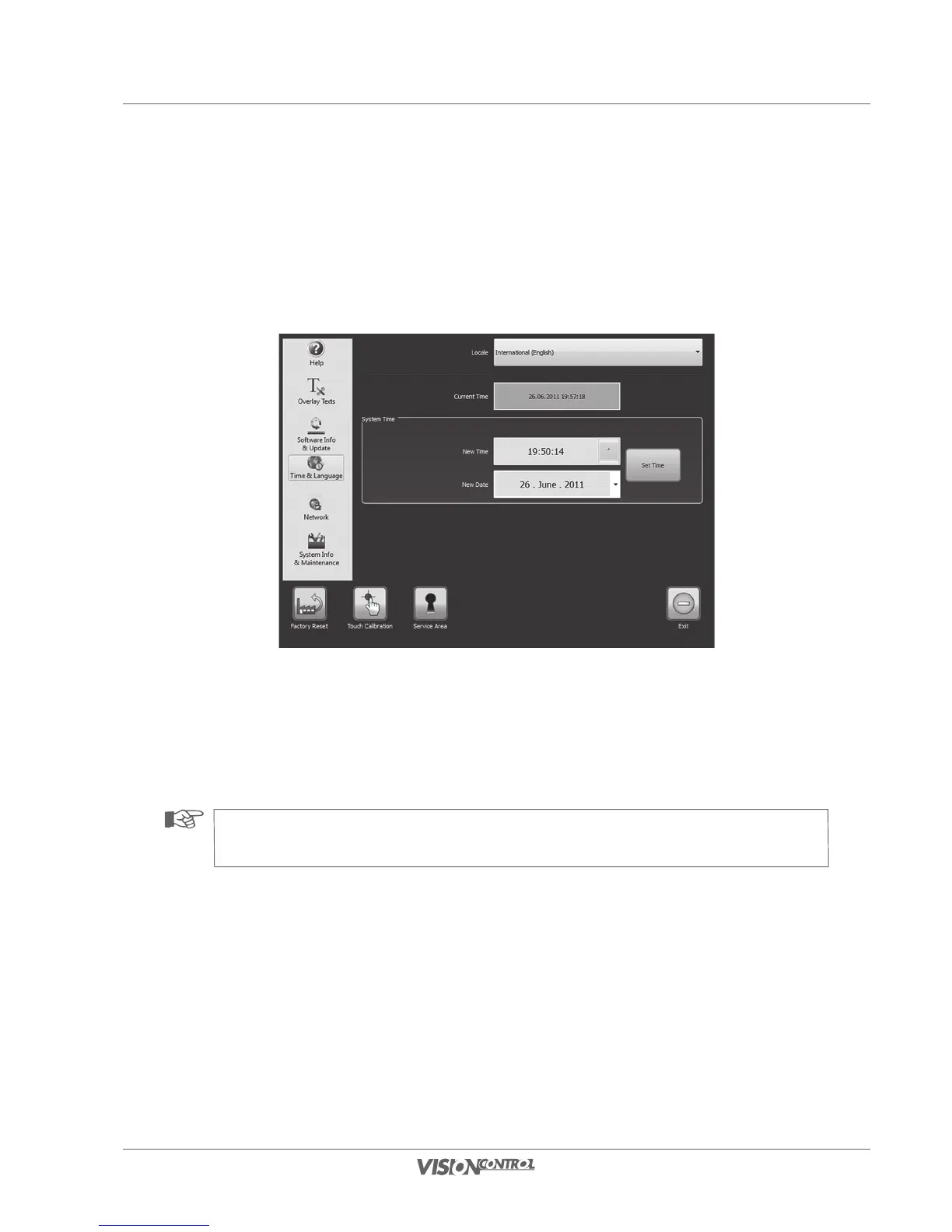
Set the locale, the system time, and the system date in the “Time & Language” settings menu. The locale is already preselected when the control
panel is switched on for the first time. By selecting the locale the presets for the system language, the keyboard layout, and the catalog are
determined. If you must make changes to the locale, you can do this with the following steps.
- Under “Locale” select the country setting.
- The currently active system time is output In the field “Current Time”.
- In the field “New Time” you can select a separate system time with the arrow keys.
- In the “New Date” field you can select a separate system date.
• Click on SET TIME to save the newly entered system time.
NOTE!
Selection of the locale sets the presets for the system language, the measurement system, the keyboard layout and the catalog.



 To Next Page