EasyManua.ls Logo

iPEK VISIONCONTROL VC200 - Set Laser

iPEK VISIONCONTROL VC200
152 pages
Print Icon
To Next Page IconTo Next Page
To Previous Page IconTo Previous Page
Loading...
Executing the inspection
Device Control
89
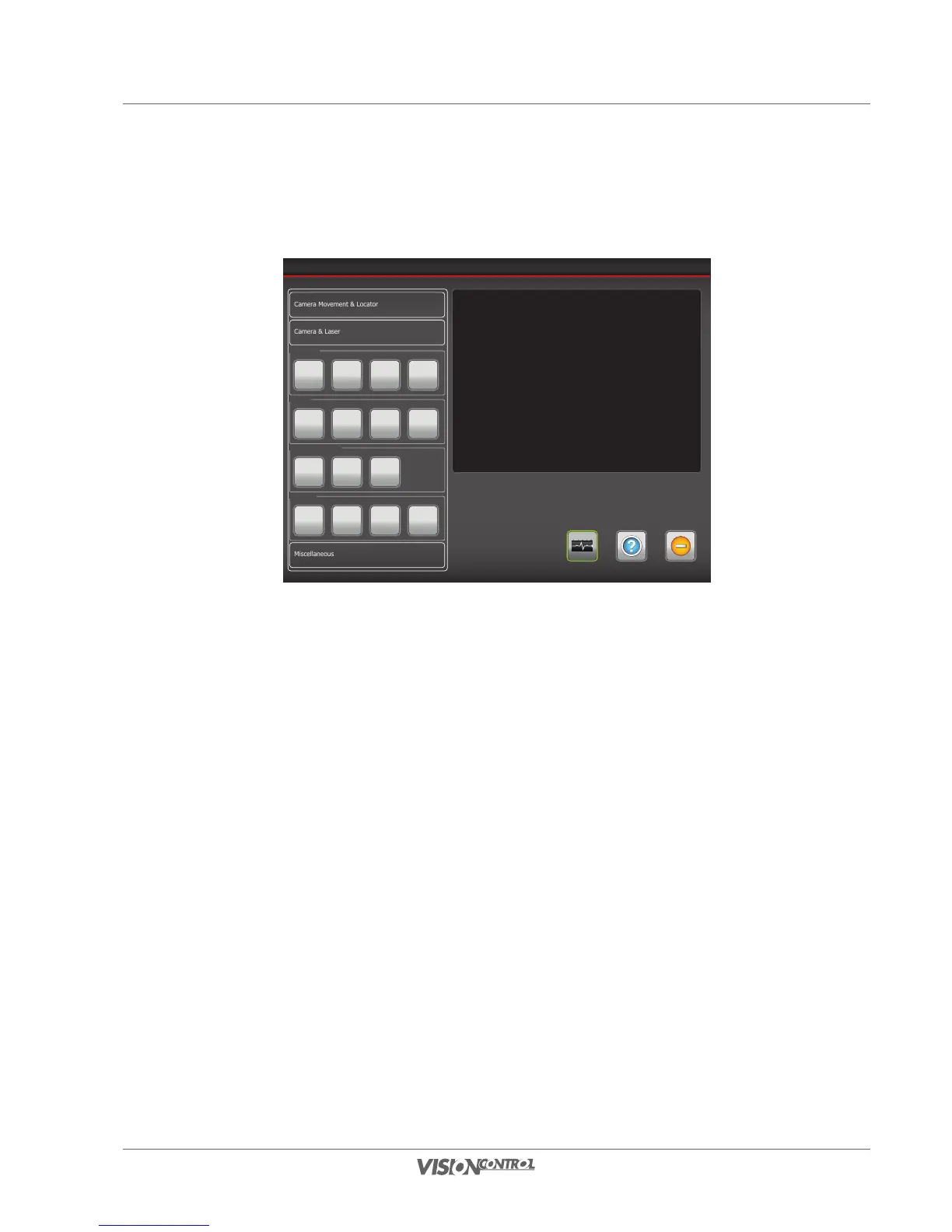
Set Laser
If the connected camera has an integrated laser, you can set the intensity here.
Device Control
Help ExitSystem-Status
Camera Movement & Locator
Miscellaneous
Camera & Laser
Shutter
Open Close Manual Auto
Iris
Open Close Manual Auto
Camera
Slow
Shutter
Digital
Zoom
Auto
Fokus
Laser
Off 50% 75% 100%
Laser OFF
The laser is switched off.
Laser 50%
The intensity of the laser is at 50% of the total luminance.
Laser 75%
The intensity of the laser is at 75% of the total luminance.
Laser 100%
The intensity of the laser is at 100% of the total luminance.
Select the desired intensity of the laser or switch it off.

Table of Contents