User interface
Events
70
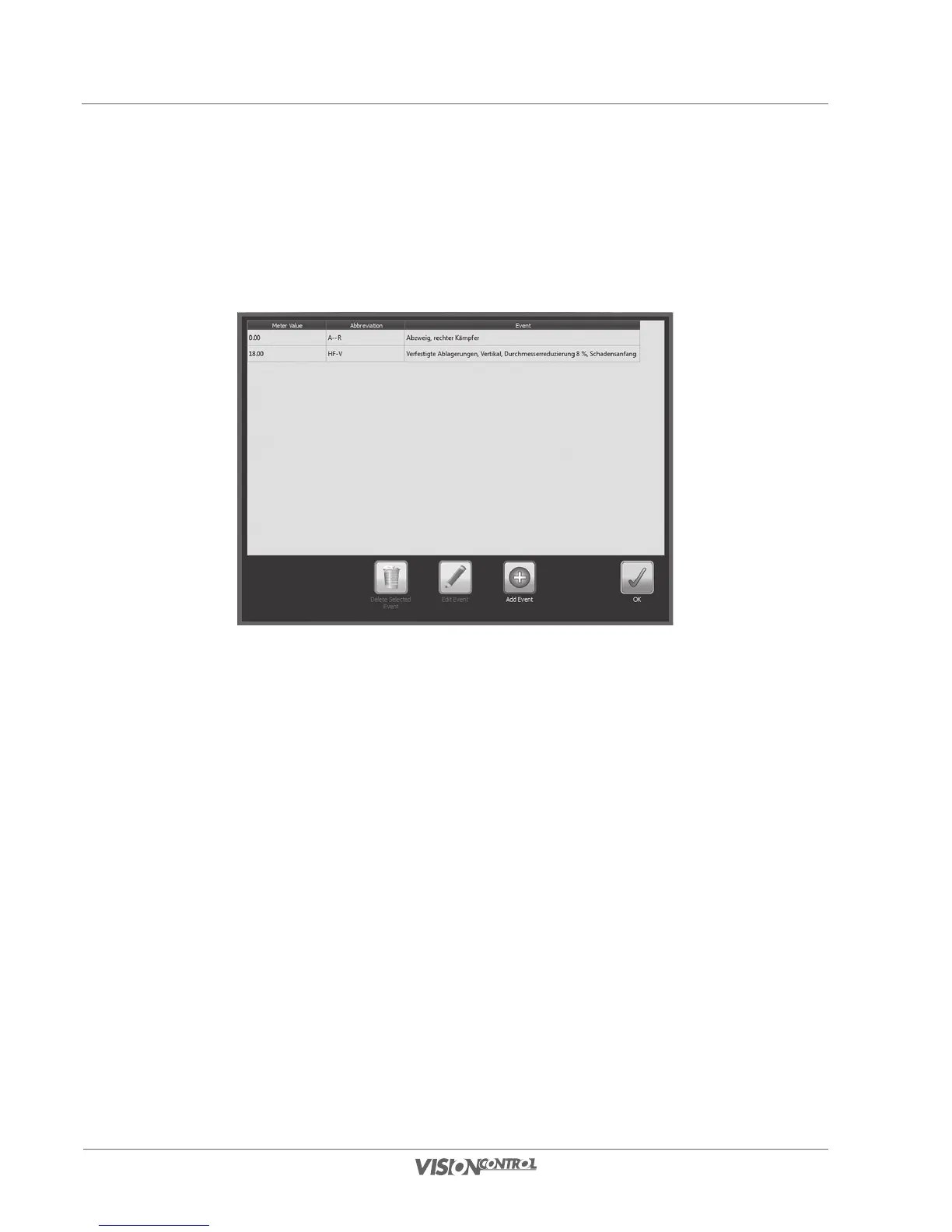
Event Overview
In the Event Overview all events belonging to the current section are listed in the sequence in which they were created. Thus you can quickly get
an overview of previously recorded events. In addition you can delete events, correct errors and add events after the inspection.
• Select Delete Selected Event, to delete the selected event.
• Select Edit Event, to edit the event currently selected in the list, and confirm the modifications in the event dialog with OK.
• Select ADD EVENT to add a new event to the current section. This feature is used for post-processing after the inspection, the text
of the event will not appear on video.
• Confirm this entry with OK, to exit the event overview.



 To Next Page