User interface
Managing Projects
58
Creating a new project
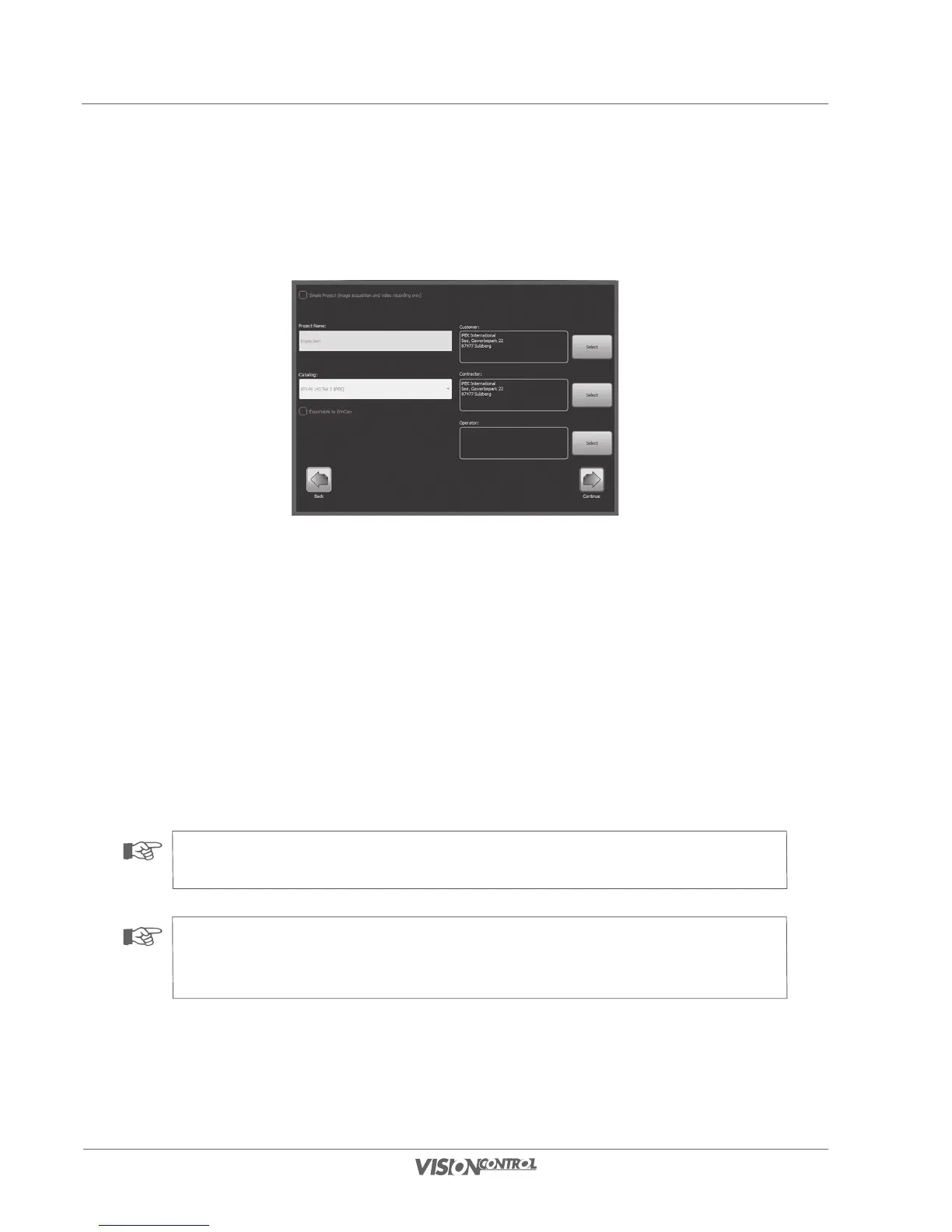
In this dialog you create a project and enter a name, as well as the project configuration for the project. In addition you can also create, manage,
and delete address data for customers, contractors, and operators.
- Mark the check box to select whether you want to create a simple project.
- In the “Project Name” field you can specify the project name.
- In the “Catalog” field you can select your catalog.
- In the “Client” field you can select a customer or enter a new customer.
- In the “Contractor” field you can select a contractor or enter a new contractor.
- In the “Operator” field you can select an operator or enter a new operator.
- The check box “Exportable to WinCan” marks if the project can be exported to WinCan.
• Select Simple Project or leave the check box empty.
• Select your catalog or leave the field empty.
• Select customer data, contractor data, and operator data.
NOTE!
A detailed description of the address management is provided in the chapter “Project description” starting on Seite 35.
NOTE!
The catalogs you can choose from depend on the selected locale. For example, when you have selected an English locale
no German catalogs will be shown here.



 To Next Page