Functional description
User interface
25
User interface
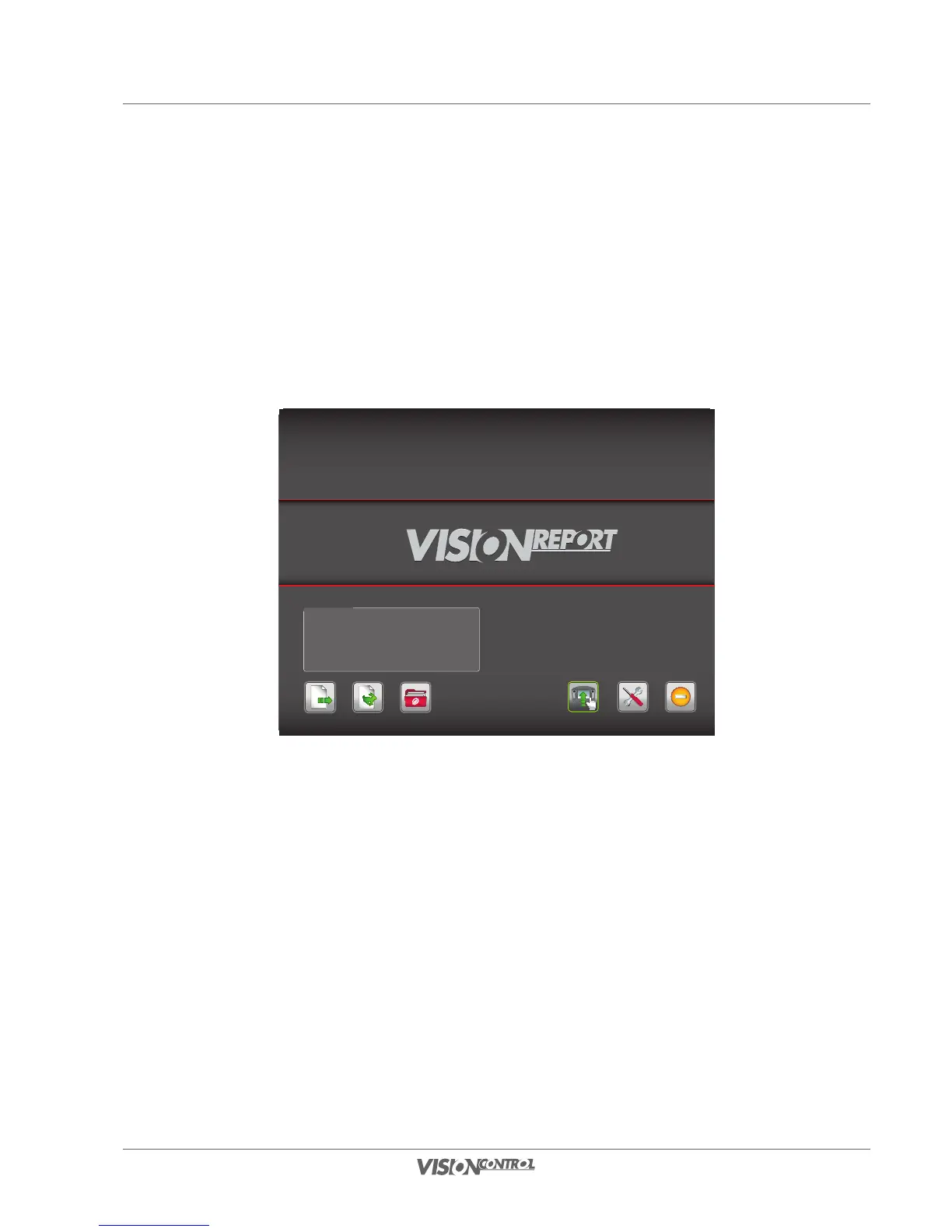
Start screen
The start screen is displayed at each system start. From here you can go back directly to the last project you worked on. Using Quick Access,
you can create a simple project without catalog. You can also access the project overview from here for managing your projects. If you do not
wish to use the project functionality of VISIONREPORT, the Direct Control mode is at your disposal. Moreover, you can access system settings
and change them.
Name: Test
Customer: iPEK International GmbH
Created: 2011-02-24
Continue Project Quick Access Projects Overview
SettingsDirect Control Switch off
Last Project



 To Next Page