Executing the inspection
Text Menu
97
Text Menu
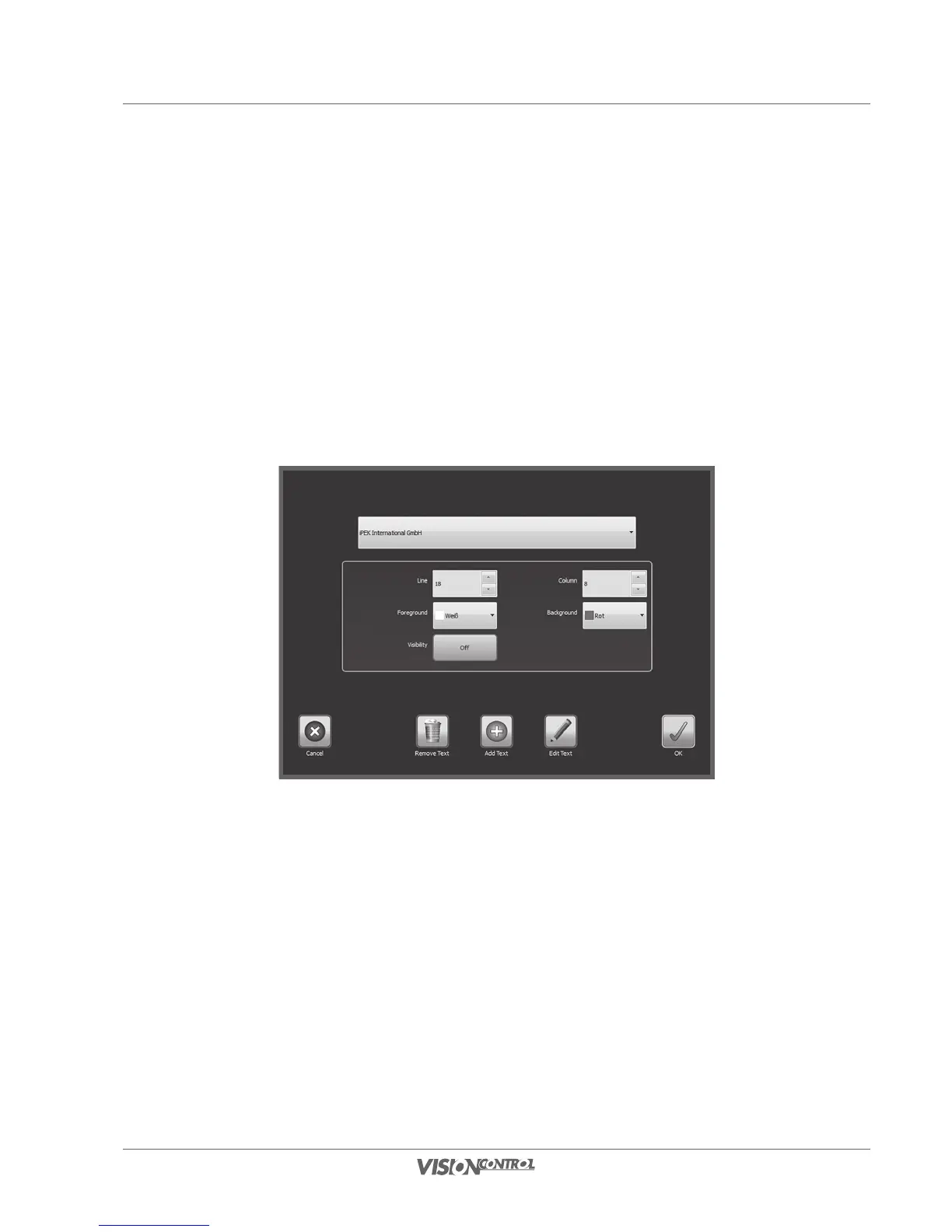
In the Text Menu you can edit the displays of all currently available inspection texts and delete them from the image view.
The submenu of the Text Menu includes the following function buttons:
- Configure Custom Texts
- Configure System Texts
- Clear Custom Texts
Configure Custom Texts
The currently selected text is always displayed in the entry help screen. In addition you can also select, edit, delete, or re-format the text.
• Select an existing text from the list by opening the drop-down list.
• Select Remove Text, to remove the text from the entry field.
• Select Add Text, to add a new text.
• Select Edit Text, to edit the current text.



 To Next Page