User interface
System Settings
48
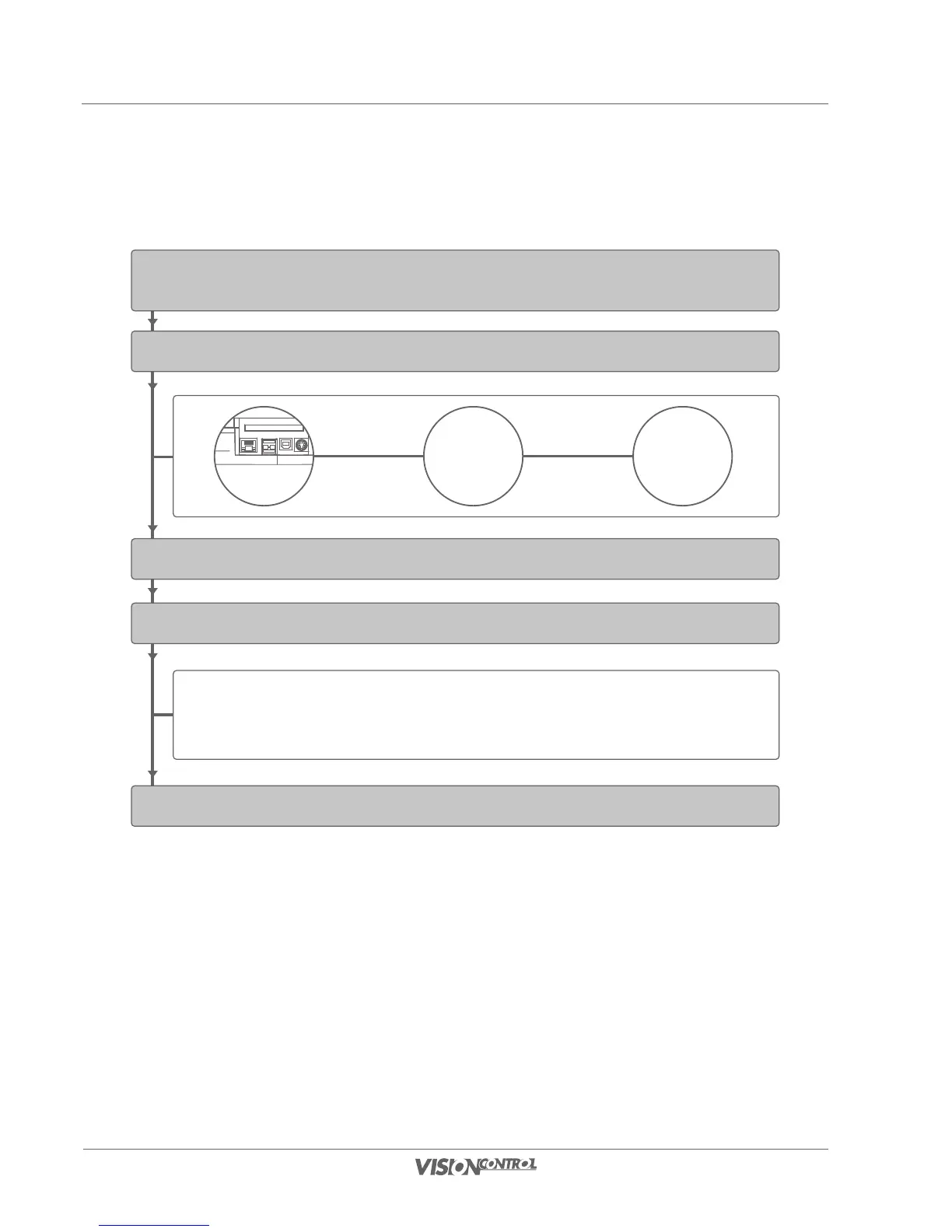
Update process
Connect VISIONCONTROL via network switch with the Internet
Restart the control panel.
Start in menu Settings -> Software-Info & Updates -> Software Update
With an existing internet connection the update will run automatically
Start update of VISIONCONTROL
Network
switch
Connectors at the top
connect with
network cable
connect with
network cable
Network
with
internet access
During the update process its current state is displayed. It may
occur that a large update takes 5 to 10 minutes to complete.
Please do not turn off your device during this time. Otherwise it
is likely that the software will not be installed completely which
will render you system unusable.



 To Next Page