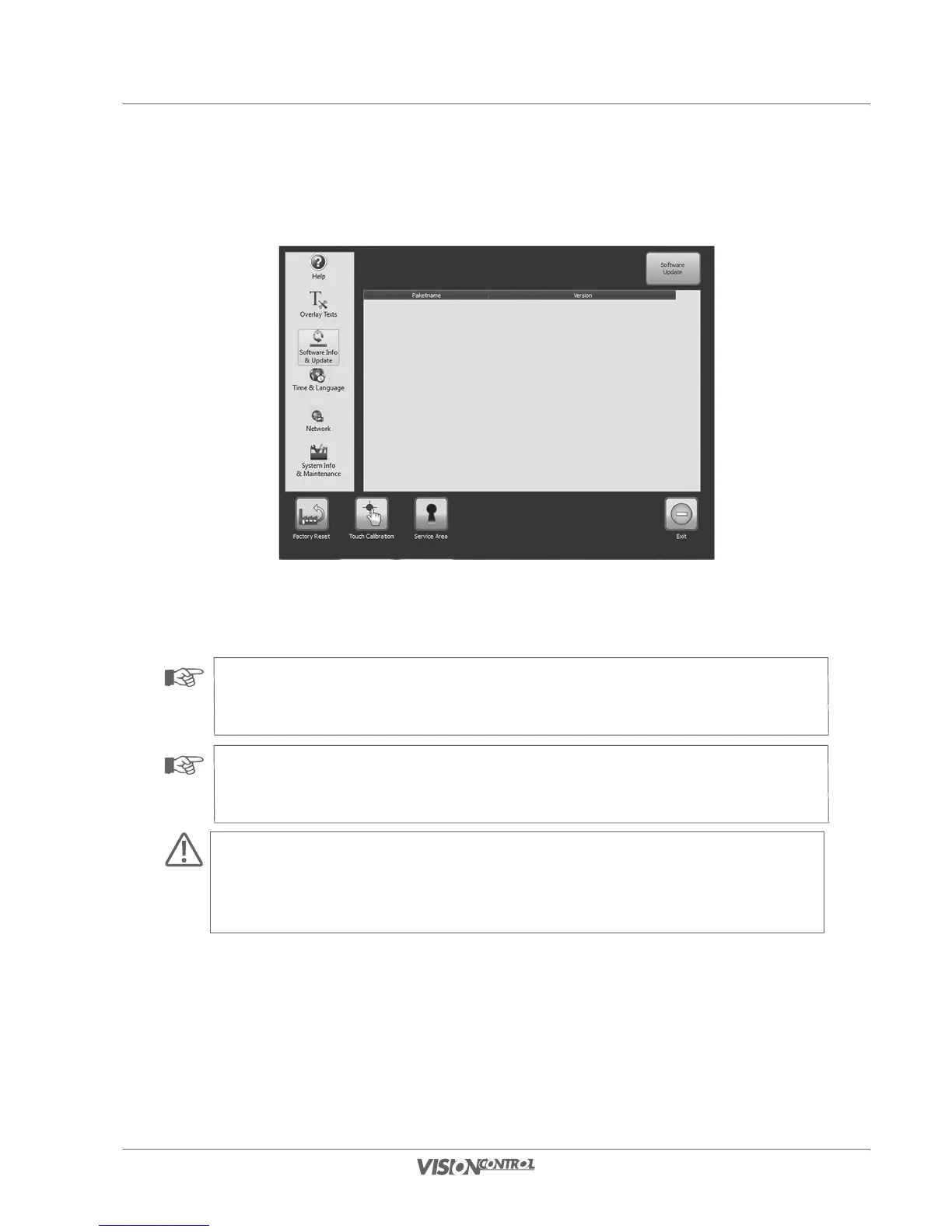
User interface
System Settings
47
Start software update:
• Press the button SOFTWARE UPDATE in order to start the update process.
NOTE!
Please have the data of this overview on hand if there is a service case for your control panel. This will help the iPEK service
technicians to more quickly create a detailed fault analysis.
NOTE!
Please note that, for safety reasons, it is not possible to perform a software update when your system is running on battery.
ATTENTION!
It is not possible to later reset the software to a previous version after performing an update. Ask your service partner for support
during the update.



 To Next Page