Executing the inspection
View Images
78
View Images
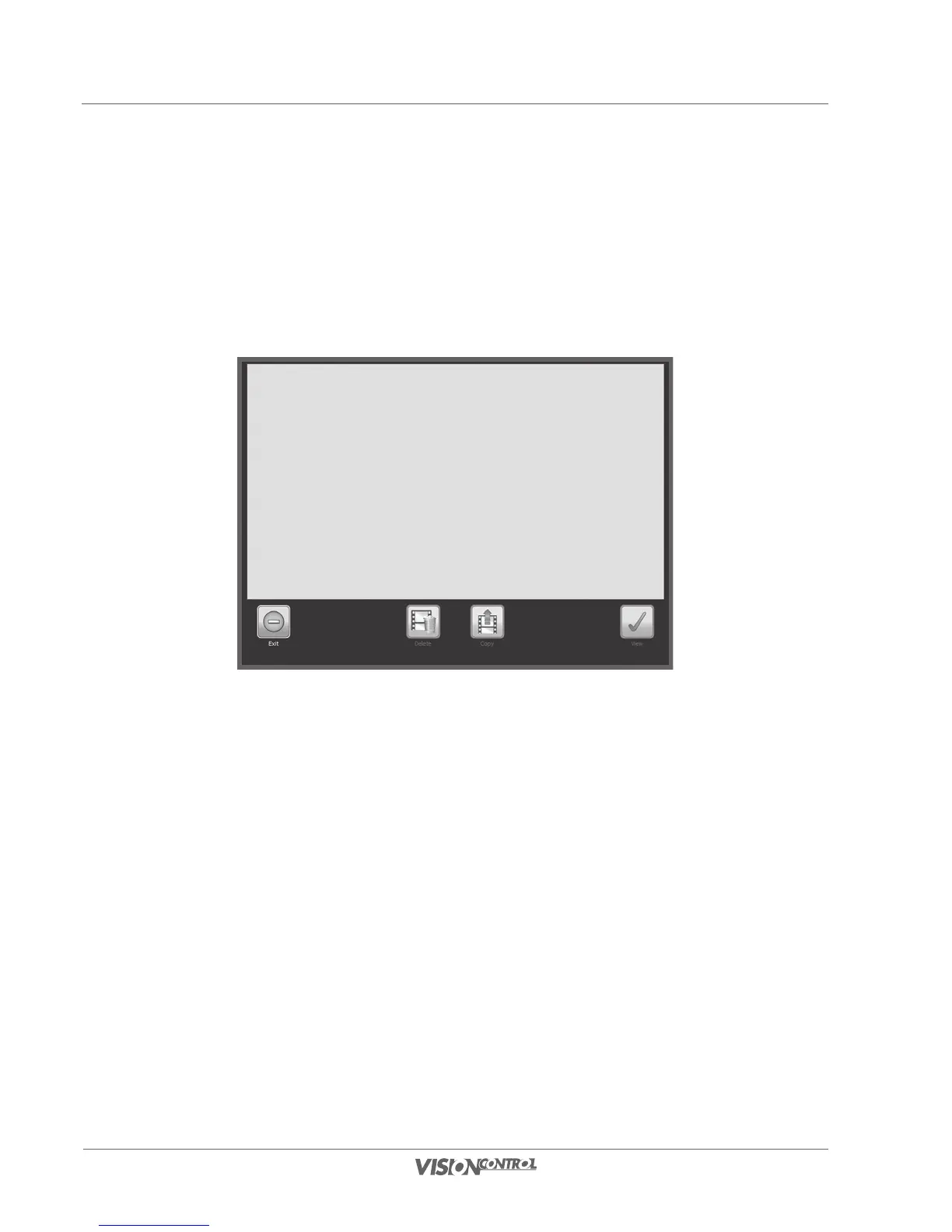
The Image View system dialog provides an overview of all recorded inspection screenshots of the currently selected section. If a section is not
selected, then all screenshots of the current project will be displayed. The screenshots can be selected, viewed, and copied directly. In this dialog
it is only possible to delete individual screenshots for a simple project. If you select a screenshot and confirm the selection then the screenshot
opens in slideshow mode. Now you can navigate through the existing screenshots.
• Select a screenshot by activating it on the touch screen.
• Use the Delete button to directly delete the selected screenshot (only in a simple project).
• Use the Copy button to copy the selected screenshot to a storage medium.
• Select view, to open the selected screenshot in slideshow mode.



 To Next Page