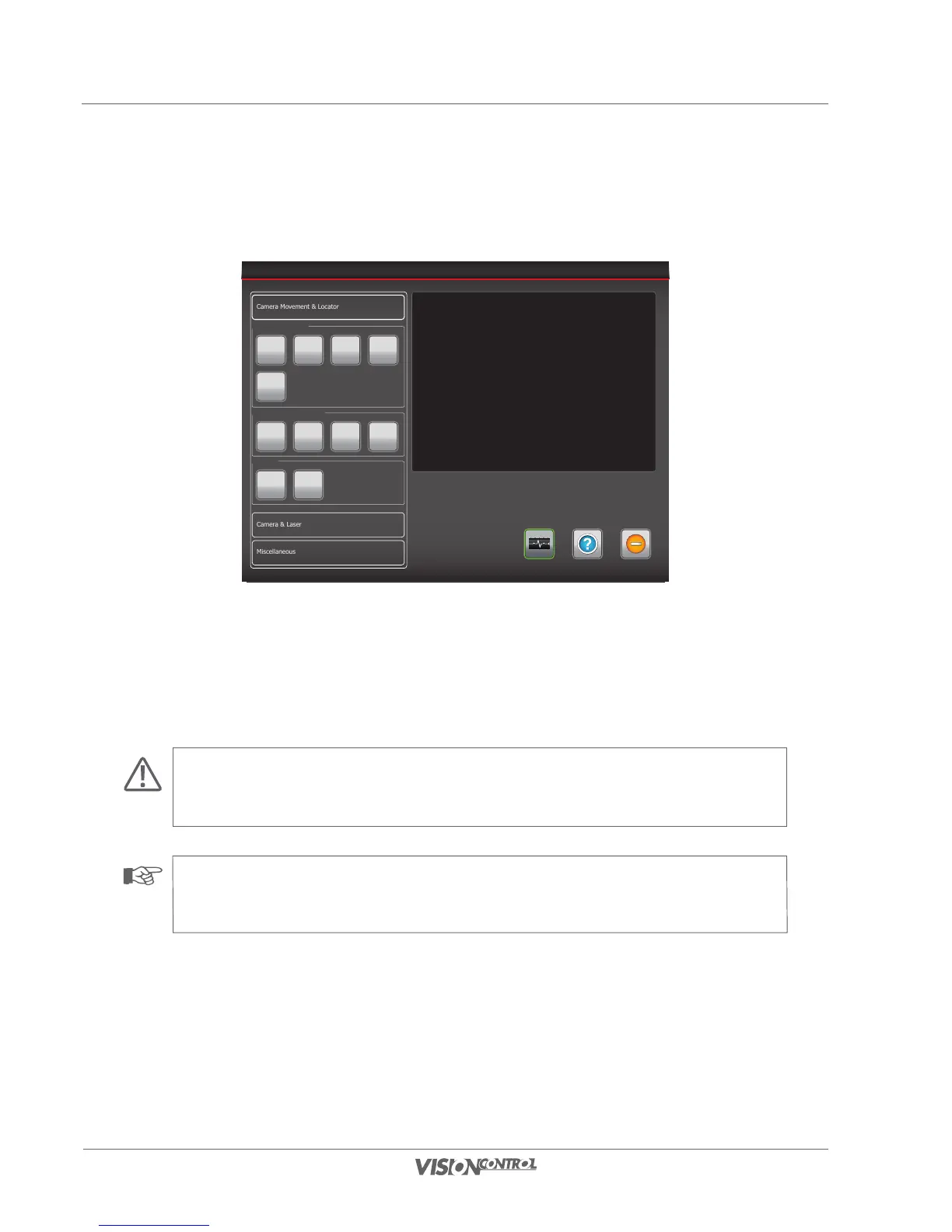
Camera Makros
1 2 3 4
5
Camera Operationmode
Standard Horizontal Position Cleaning
Locator
Off Ein
By pressing the button “Cleaning” the camera is moved to the rear upper position to 135°. This way the rear area of the tilting unit is accessible
for cleaning.
By pressing the “Cleaning” button again or when quitting the menu the camera is automatically reset to its home position.
ATTENTION!
Should the camera be positioned in the rear upper end position it is not allowed to continue panning manually by means of the
joystick, since this may cause damages.
NOTE!
For further details regarding care and maintenance of the inspection system always read the operating instructions of the connected
devices.



 To Next Page