Executing the inspection
After the inspection
113
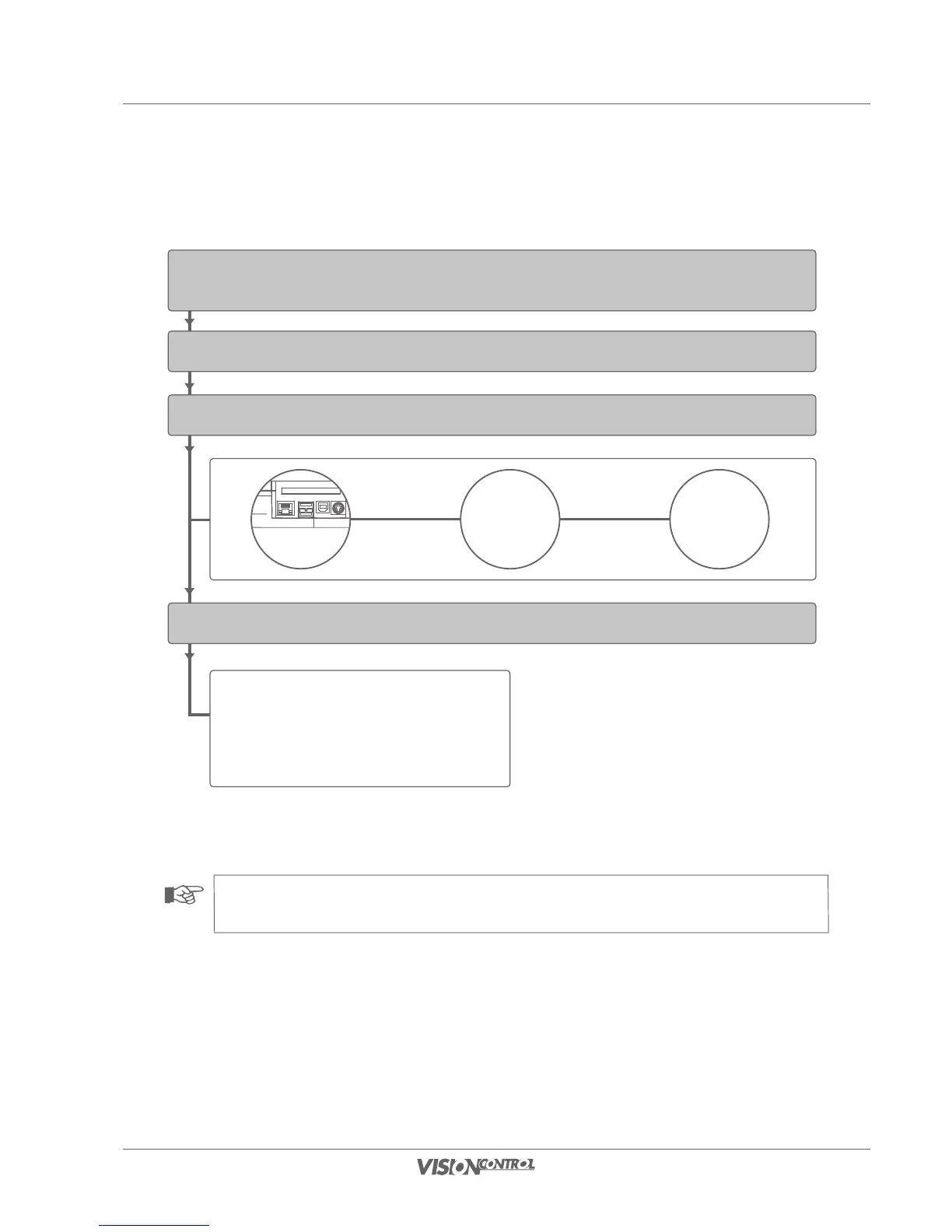
Connection via USB-to-serial adapter
Set the text generator to iPEK DE-03SW.
After a successful synchronisation the LED blinks at the
USB-to-serial adapter and indicates the data transfer between
VISIONCONTROL and PC.
Start VISIONCONTROL
Connect USB-to-serial adapter with VISIONCONTROL and via null-modem cable with your PC
Start WINCAN
Connection of VISIONCONTROL with WINCAN
USB-to-serial adapter
iPEK No.
090-0023-00
Connection Slots
null-modem cable
PC
WINCAN
NOTE!
USB-to-serial adapters of other manufacturers may work but are not supported by iPEK.



 To Next Page