Functional description
General screen dialogs
28
General screen dialogs
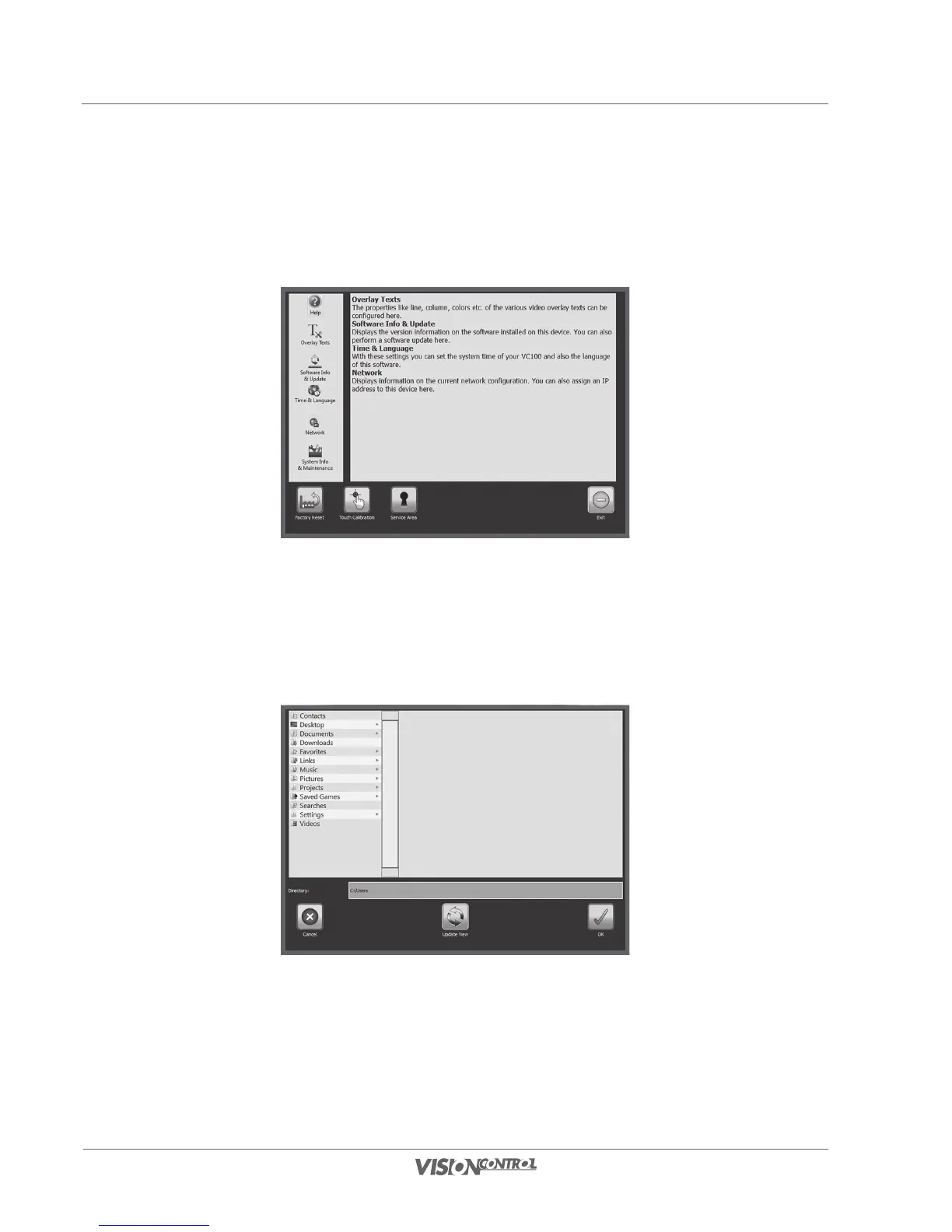
System Settings
You can configure the VISIONREPORT software in the System Settings dialog. This is where you make all the settings for display of text
overlays, system time, or network settings.
File dialog
In the File dialog you make all the file selections. This is required when you want to import, export, as well as save and load files. Use the Update
view button to update the view of the data structure, e.g. when you want to connect a new storage medium. The file view follows a tree structure;
the content of a folder is always displayed to the right in a new window tree.



 To Next Page