EasyManua.ls Logo

iPEK VISIONCONTROL VC200 - Video Source

iPEK VISIONCONTROL VC200
152 pages
Print Icon
To Next Page IconTo Next Page
To Previous Page IconTo Previous Page
Loading...
Executing the inspection
Device Control
95
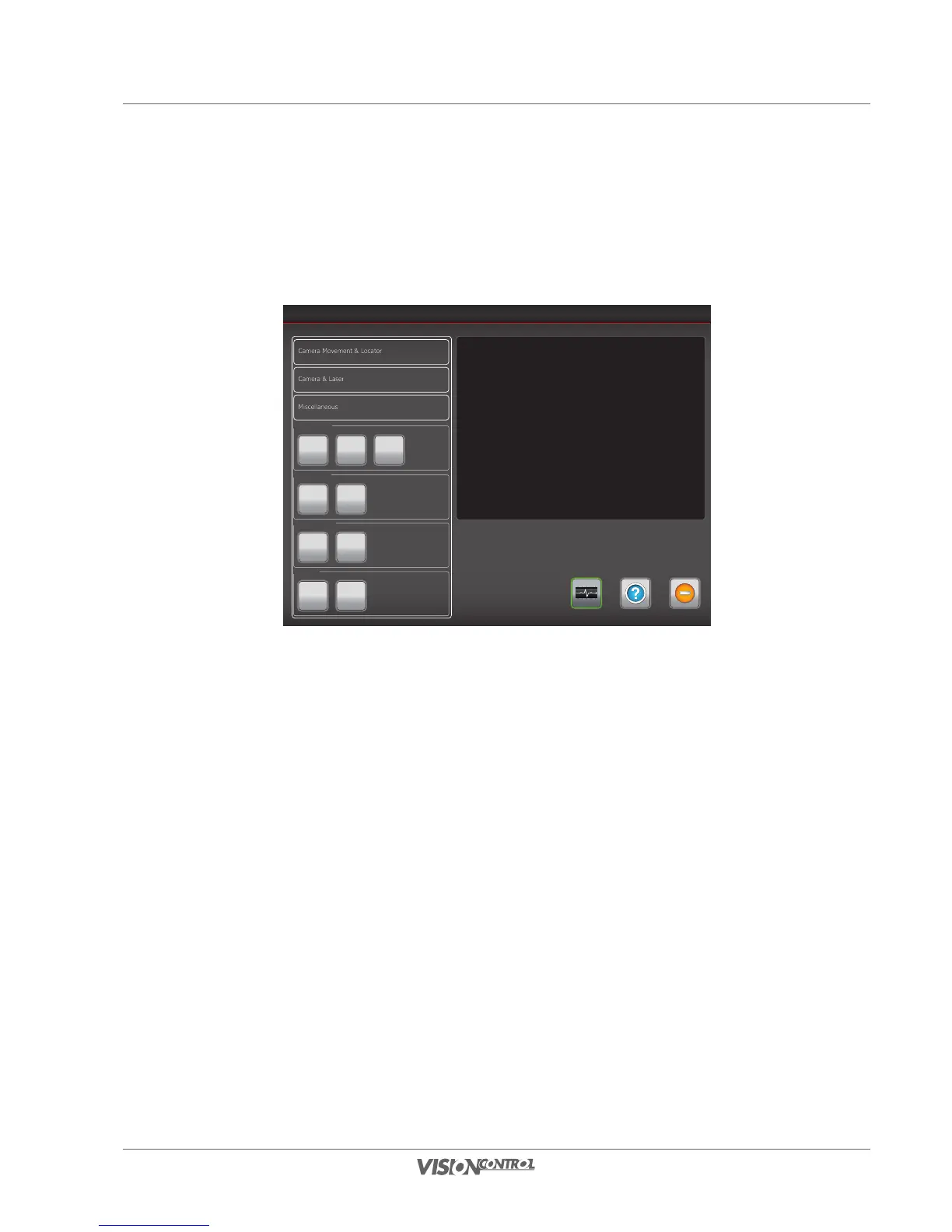
Video source
The signal path of the video source can be set here. An external video source can be connected via the S-Video interface on the rear of the control
panel.
Device Control
Help ExitSystem-Status
Camera Movement & Locator
Miscellaneous
Camera & Laser
Crawler
Clutch
ON
Slow
Secure
Mode
OFF
Aux. Light
- +
0%
Video Source
Internal External
Others
Reel
Standard
Mode
Camera
Auto
Center
Internal
The internal video signal is displayed in the screen area.
External
The external video signal is displayed in the screen area.
Select the desired option for the video source.

Table of Contents