Executing the inspection
Inspection Menu
110
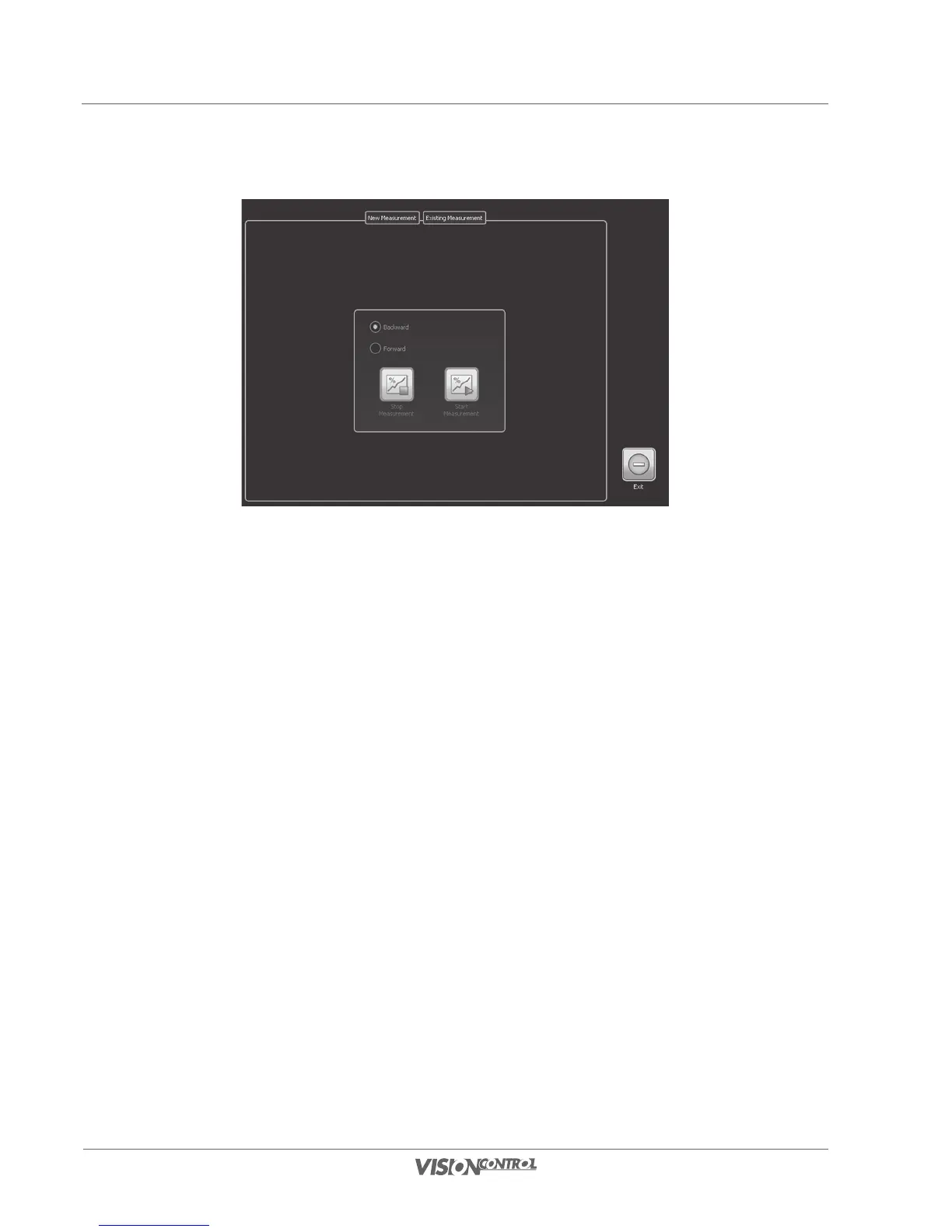
• Select START MEASUREMENT in order to start an inclination measurement either in forward or in backward direction.
When performing a measurement in forward direction, only increasing meter values will be taken into account, when performing a backward
measurement only decreasing meter values will be recorded. If you select inclination measurement in backward direction, the meter counter has
to be greater than zero. When the meter counter reaches the zero-meter-mark, the measurement will be stopped automatically.
When the inclination measurement is running, its state will be displayed above the camera position indicator in the main window. Note that the
inclination measurement will pause automatically when you open a dialog and resume when you go back to the main window. Furthermore, the
inclination measurement will be stopped when you leave the currently selected section.
Please note that the inclination measurement is more precise when you perform the measurement with an unchanging speed. Therefore it is
recommended to perform the measurement when driving backwards.
The section properties Pipe Diameter, Start Altitude and End Altitude directly affect the inclination protocol.
When the inclination measurement is inactive, you can see an overview of the recorded data on the page EXISTING MEASUREMENT. You
can also add your own measured values, delete values or delete the whole inclination file.



 To Next Page