www.javad.com Maxor Operator’s Manual 4-11
OPERATION
Downloading Files to a Computer
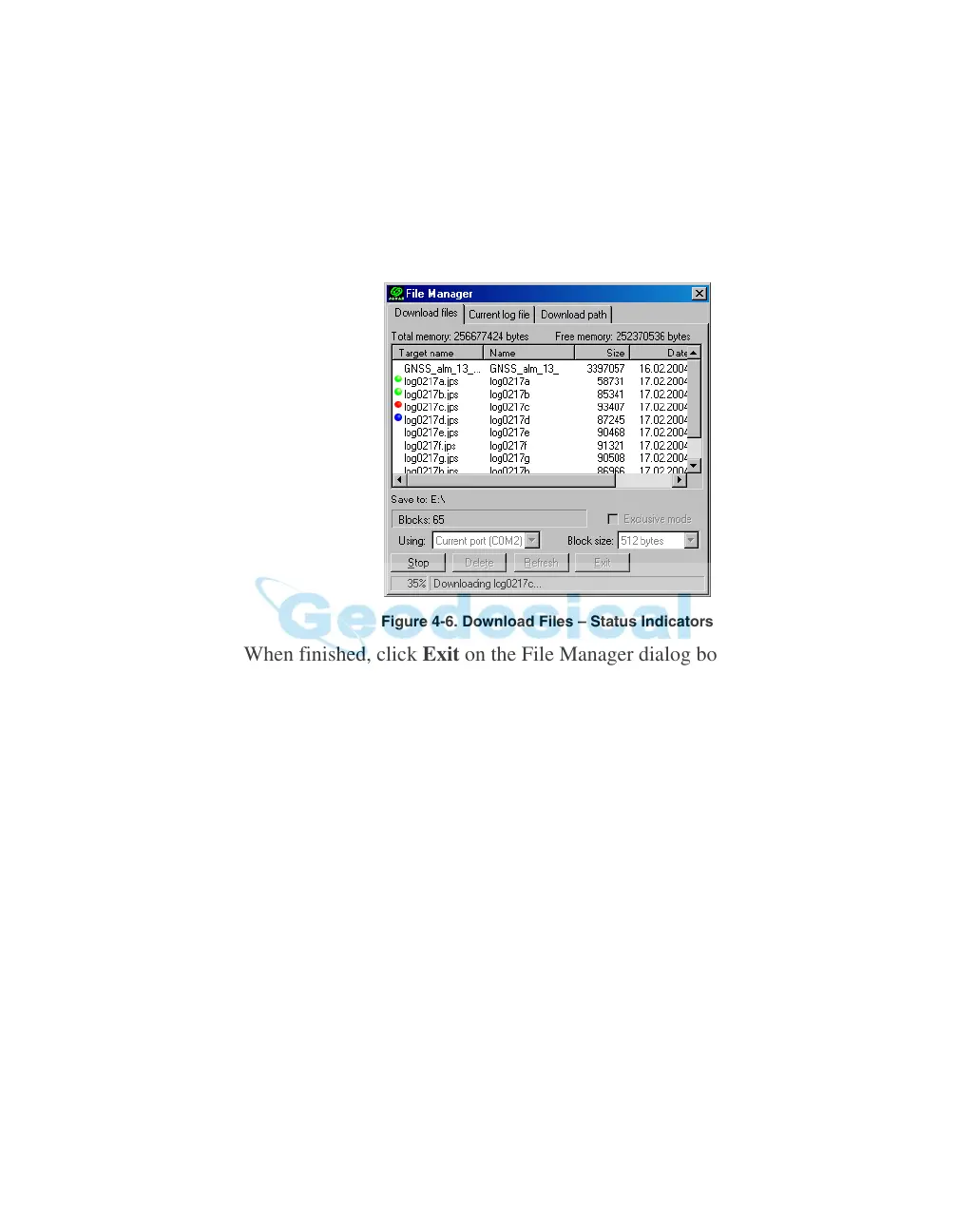
9. Click the Download button. During the download, status indicators display
next to each file (Figure 4-6).
• Blue indicator – file in queue for downloading.
• R
ed indicator – file currently downloading.
• Green indicator – file has succ
essfully down
loaded.
Figure 4-6. Download Files – Status Indicators
10. When finished, click Exit on the File Manager dialog box.
11. Continue with other operations. Or, click File->Disconnect, then File->Exit
to quit PCView.



 To Next Page