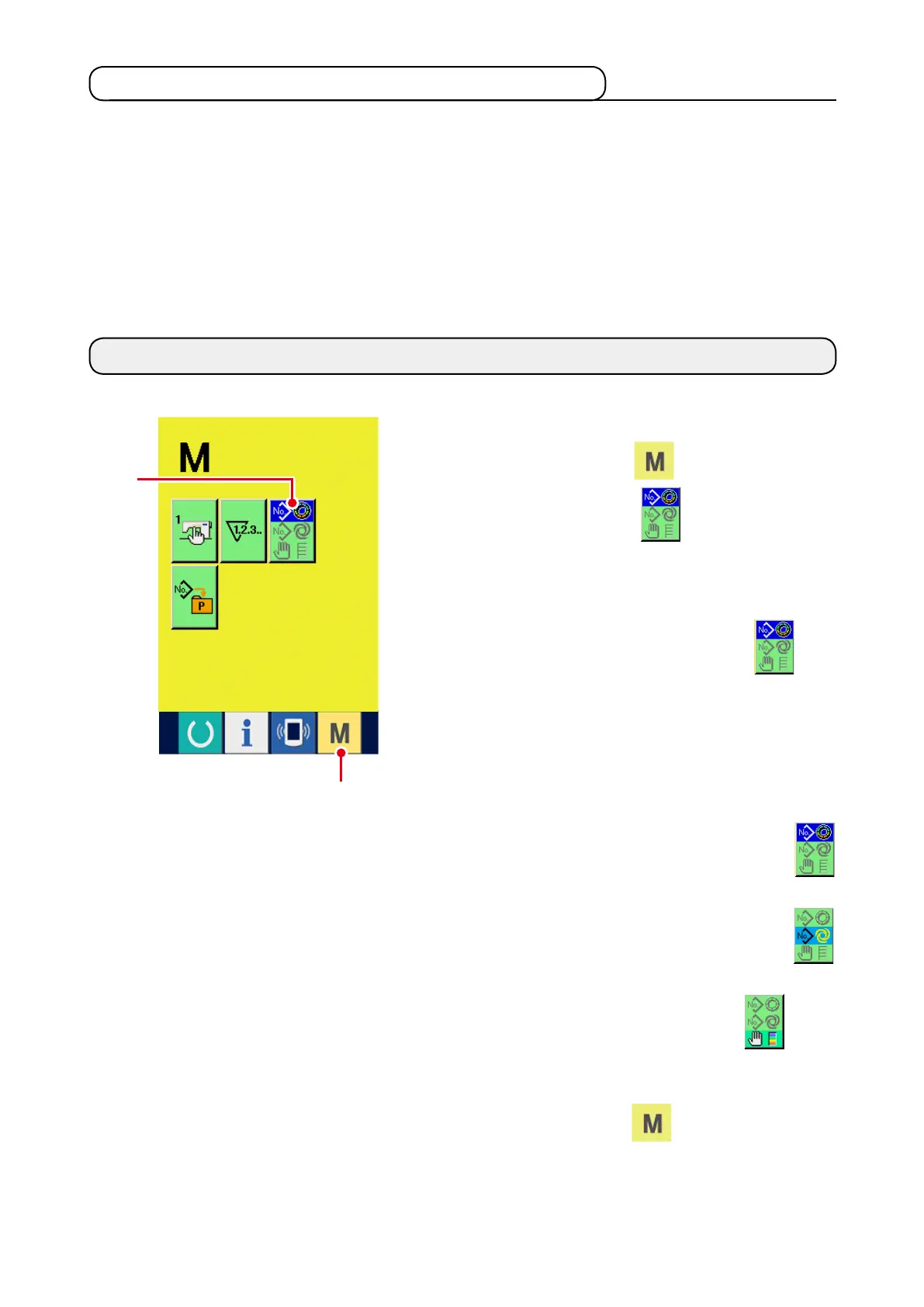
1) Display the sewing mode selection screen.
When MODE key
1
is pressed, MODE
SELECTION button
2
is displayed on the
screen.
2) Select the sewing mode.
Press MODE SELECTION button
2
to
select the sewing mode you desire to sew.
* Image of the button of the sewing mode selec-
tion button changes according to the sewing
mode which is selected at present.
When semi-automatic sewing is selected :
When fully-automatic sewing is selected :
When manual sewing is selected :
3) Determine the sewing mode.
When MODE key
1
is pressed, the sew-
ing mode data input screen is displayed.
13. CHANGING SEWING MODE
2
1
12-3 Register state at the time of your purchase
Pattern Nos. 1 to 10 have been registered at the time of your purchase.



 To Next Page