–
53
–
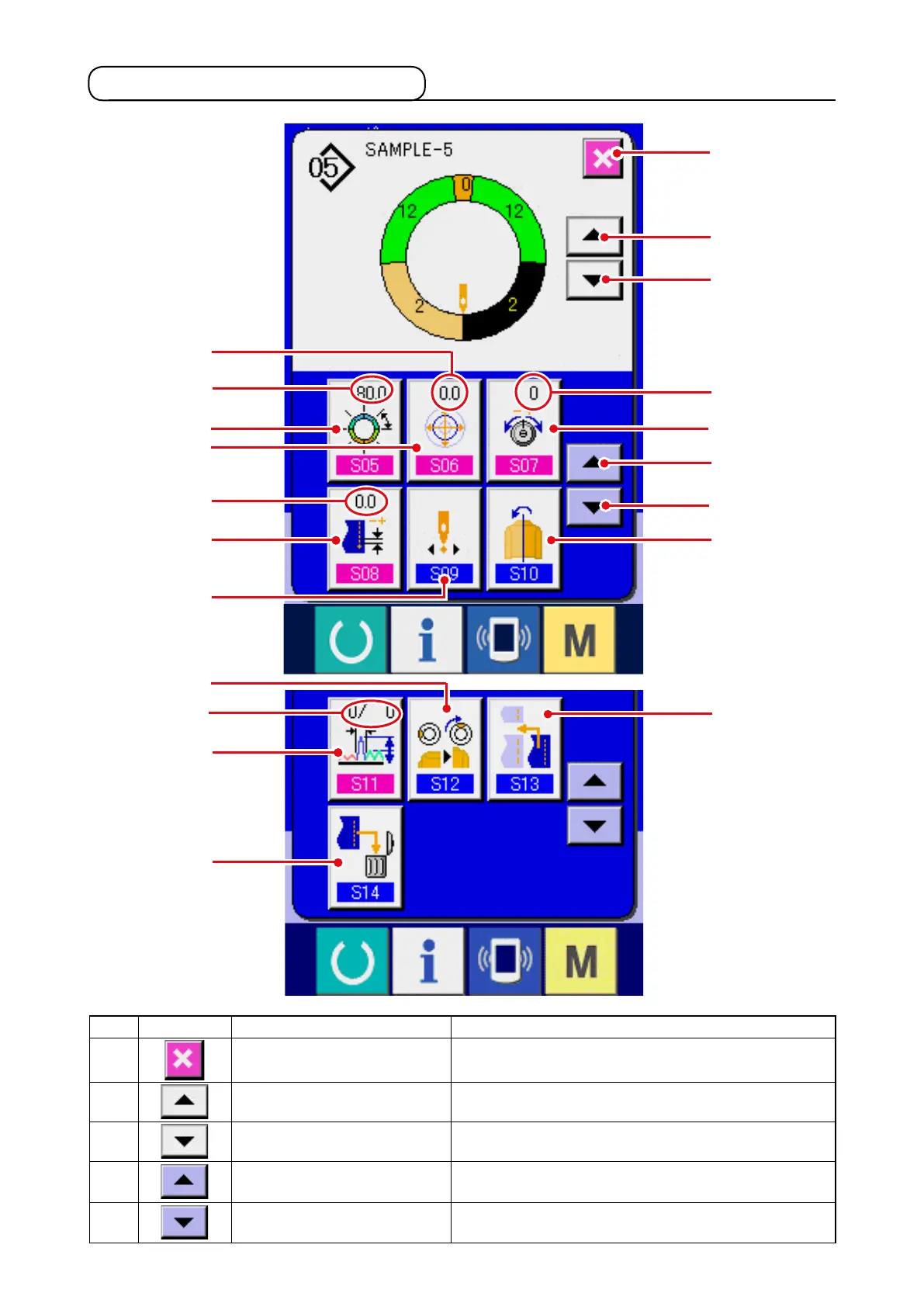
7-3 Detailed data input screen
@5
#4
#3
Q
#0
N
O
#1
@6
@7
R
#6
#7
#9
#5
P
#2
@8
@9
#8
No. Button Name of button Description
@5
CANCEL button When the button is pressed, step details screen is
closed.
@6
STEP FEED button Wh e n the b ut ton i s p res se d , sel e c ti o n ste p
advances by one.
@7
STEP RETURN button When the button is pressed, selection step returns
by one.
@8
D E TA I L S S E L E C T I O N
SCREEN FEED button
When the button is pressed, details selection screen
scrolls forward.
@9
D E TA I L S S E L E C T I O N
SCREEN RETURN button
When the button is pressed, details selection screen
scrolls backward.



 To Next Page