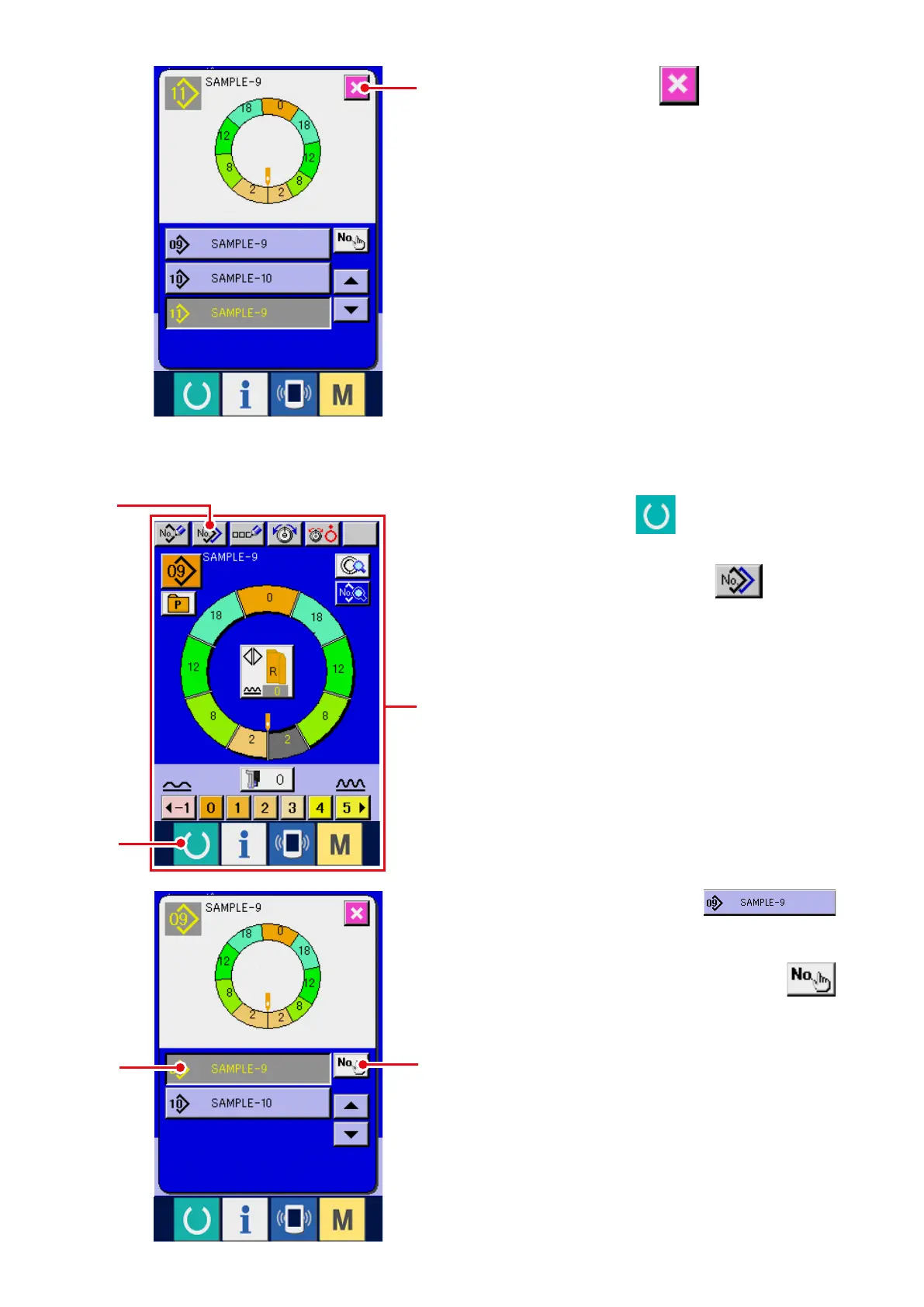
7) Press CANCEL button
7
.
* When the number of patterns that have been
registered of fully-automatic is 99 patterns,
the display is automatically changed over and
copied to semi-automatic.
1) Press READY key
1
to change over the
screen to data input screen
A
.
2) Press PATTERN COPY button
2
.
3) Press PATTERN No. button
3
to select the pattern of copy source.
4) Press COPY DESTINATION INPUT button
4
.
A
7
2
1
4
3
(2) Pattern copying from semi-automatic to fully-automatic <Copy to fully-automatic>



 To Next Page