–
159
–
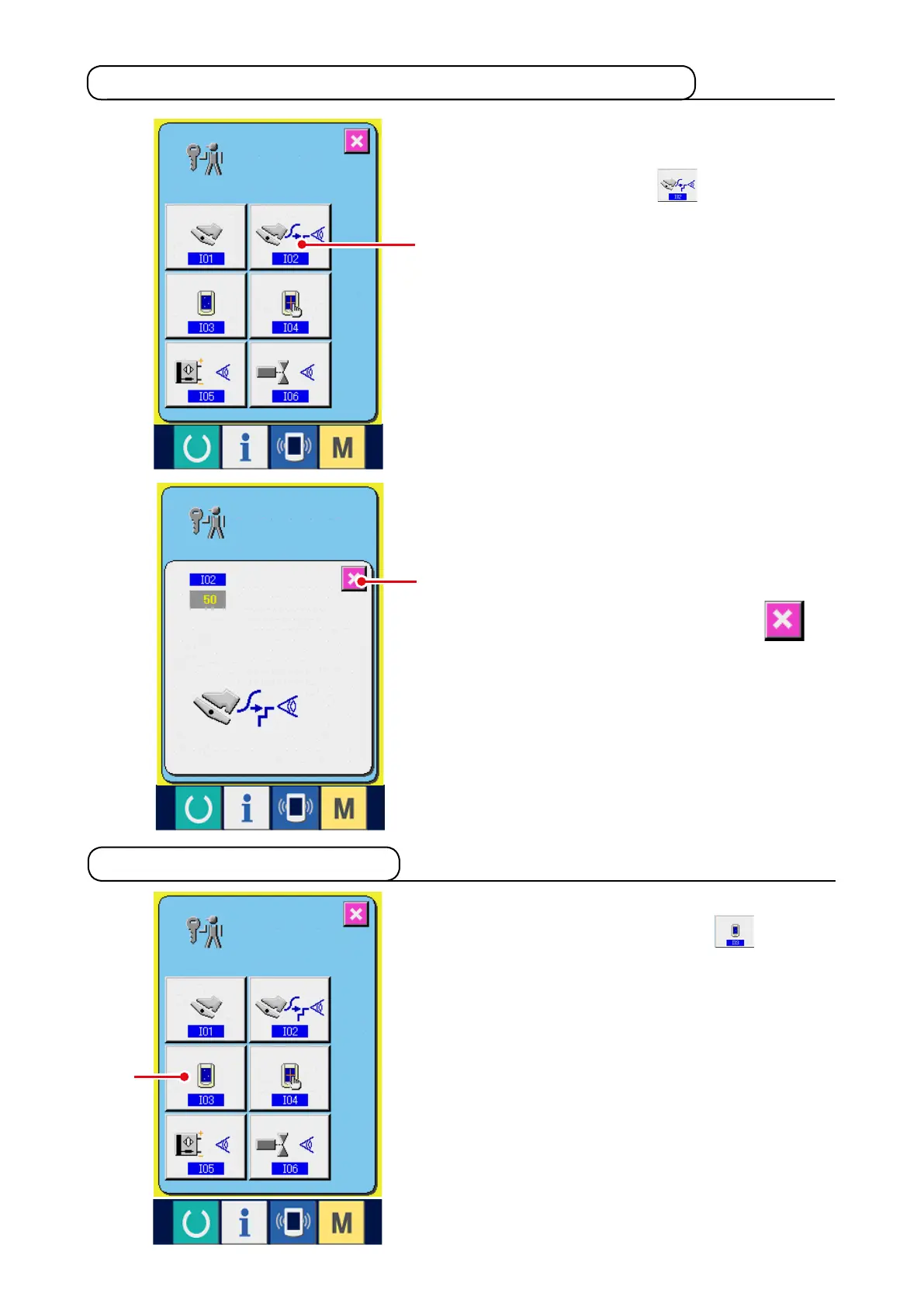
1)
Display the check screen of A/D value of
auxiliary pedal.
When CHECK button
1
of A/D value of
auxiliary pedal of the check program screen is
pressed, the A/D value of auxiliary pedal check
screen is displayed.
21-3 Performing checking of A/D value of auxiliary pedal
1) Display the LCD check screen.
When LCD CHECK button
1
on the
check program screen is pressed, the LCD
check screen is displayed.
21-4 Performing LCD check
2
1
1
2) Perform checking of A/D value of auxiliary
pedal.
When the auxiliary pedal is depressed, A/D
value corresponding to the depressing amount
is displayed.
After checking, press CANCEL button
2
.
The screen returns to the check program
screen.



 To Next Page