–
68
–
(3)Changingthepitchofspeciedstep<Compensationpitchsetting>
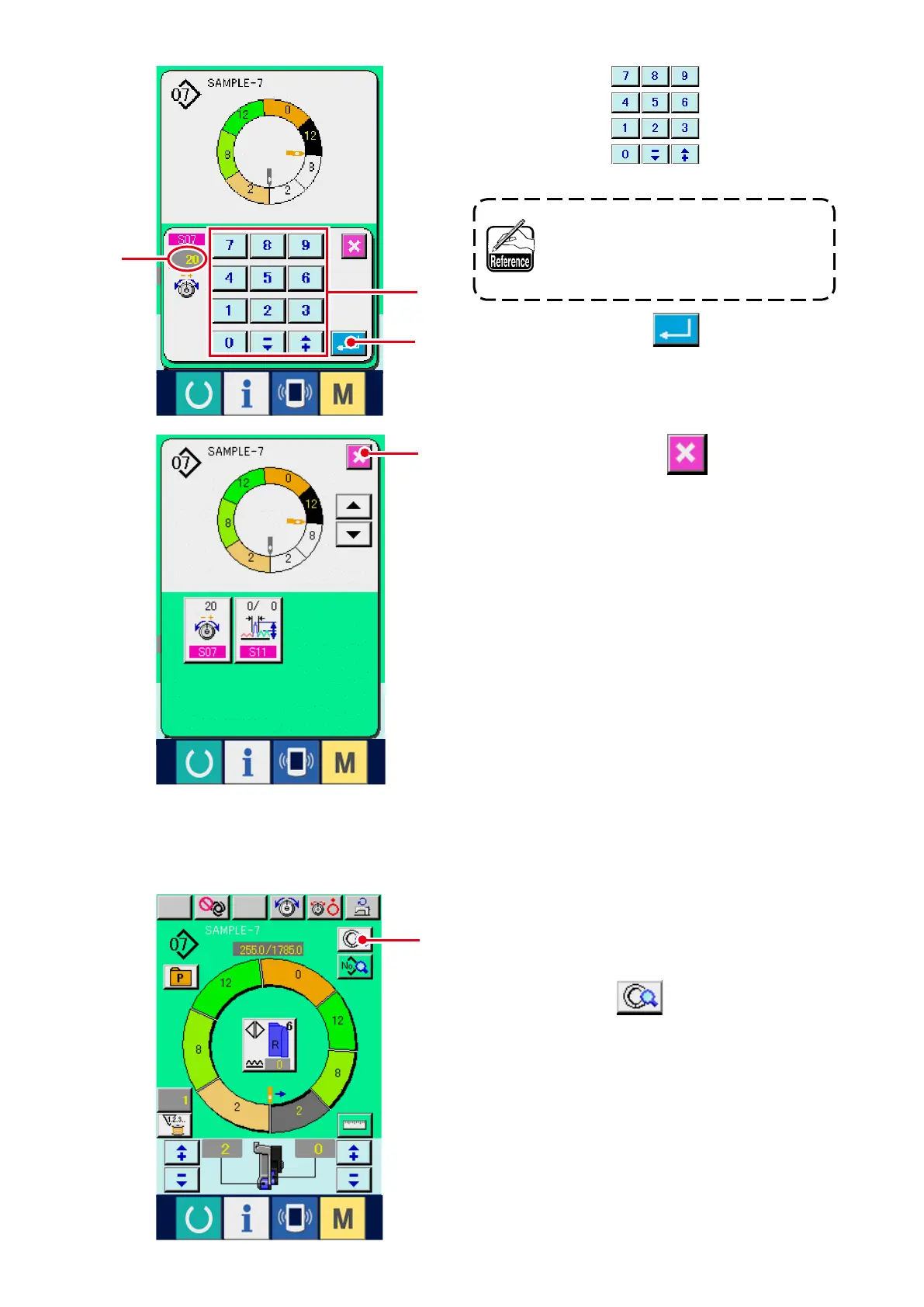
4) Press ten keys
4
to change com-
pensation thread tension set value
A
.
When inputting the minus numeral in
the ten key pop-up screen, press the
minus button after inputting "0" and
input the numeral.
5) Press ENTER button
5
.
* The state that can be changed in the sewing
screen is the state that step 1 is selected before
starting sewing.
1) In the state that step 1 is selected, press STEP
DETAILS button
1
.
6
4
A
5
1
6) Press CANCEL button
6
.



 To Next Page